
Shopify Product Page Conversion Checklist (40 Items, 2026)

A high-converting Shopify product page in 2026 nails 8 categories: above-the-fold clarity, fast load, trust signals, scannable specs, social proof, variant and option UX, mobile-first design, and post-add-to-cart momentum. The 40-item checklist below covers each. Most stores gain 8 to 15% conversion lift from fixing 10 to 15 items. Highest-leverage fixes: clear price plus add-to-cart button above fold, real product photos (not stock), variant UI with image swap, and 3 review snippets visible without scrolling.
At a glance
- Checklist categories
- 8 (above-fold, speed, trust, specs, variants, mobile, post-ATC, tracking)
- Total items
- 40
- Average lift from fixing 10 to 15 items
- 8 to 15% conversion uplift
- Highest-leverage single fix
- Sticky add-to-cart button on mobile
- Industry average Shopify conversion rate
- 1 to 3%
- Top-performing stores
- 5 to 8% conversion rate
- Time to audit
- 30 minutes per product family
- Last updated
- June 2026
In this article
- How to use this checklist
- Section 1: Above-the-fold (8 items)
- Section 2: Page speed (5 items)
- Section 3: Trust and social proof (6 items)
- Section 4: Product info and specs (5 items)
- Section 5: Variants and options UX (6 items)
- Section 6: Mobile-first design (4 items)
- Section 7: Post-ATC and cart UX (3 items)
- Section 8: Tracking and iteration (3 items)
- Priority matrix: Top 10 items to fix this week
- Where to start if you have only 1 hour
How to use this checklist
Audit mode. Open your live product page in two browser tabs (one desktop, one mobile-simulator like Chrome DevTools). Walk every item, mark Pass / Fail / Not applicable, prioritise Fails by the effort column at the bottom.
Build mode. Use as a pre-launch spec. Work through sections in order before the store goes live. Section 1 (above-fold) and Section 5 (variants and options UX) are where most launches under-invest.
Section 1: Above-the-fold (8 items)
What customers see in the first second decides whether they read on or bounce.
- 1. Product name is the H1, clear and specific. No brand-code-only titles.
- 2. Price visible without scrolling on desktop and mobile.
- 3. Add-to-cart button prominent above fold, high-contrast colour.
- 4. Hero image is a real product photo (not stock). White or contextual background, minimum 1000px wide.
- 5. Honest urgency signal (low stock count, shipping cutoff) where applicable. Never fake countdown timers.
- 6. Breadcrumb present for navigation and structured data (BreadcrumbList schema).
- 7. Above-fold layout verified on a 375px viewport (iPhone SE). Test with a real device, not just emulator.
- 8. Above-fold load time under 2.5s (LCP target). Verify in PageSpeed Insights.
Section 2: Page speed (5 items)
- 9. Core Web Vitals pass: LCP under 2.5s, INP under 200ms, CLS under 0.1.
- 10. Product images served as WebP or AVIF, not JPEG/PNG. Shopify CDN converts automatically when the source is uploaded.
- 11. Third-party app scripts audited. Remove or defer unused app JS. The single biggest TTI killer on Shopify.
- 12. Below-fold images lazy-loaded.
- 13. Assets delivered via Shopify CDN. Confirm no custom theme code is bypassing the CDN.
Section 4: Product info and specs (5 items)
- 20. Dimensions and weight listed (especially for furniture, electronics, apparel).
- 21. Size guide linked inline near the size selector, not just a footer link.
- 22. Material, ingredients, or technical specs present. Format as table for scannability.
- 23. Compatibility or fit notes (for accessories, replacement parts, consumables).
- 24. FAQ section on the product page itself for top 3 pre-purchase questions. Adds FAQPage schema and reduces support ticket volume.
Section 5: Variants and options UX (6 items)
The category where most Shopify stores have the biggest hidden upside. We make OPTIS, which sits in this section; we mention it only at the items where it is the practical solution. The 6 items below stand on their own as a UX audit.
- 25. Swatches for colour and material variants, not plain text dropdowns. Visual swatches lift conversion in apparel and home goods. See how to add color swatches or use OPTIS Color Swatch (30-day free trial) for setup.
- 26. Out-of-stock variants shown as crossed-out or greyed, not hidden. Customers want to know the option exists and may return.
- 27. Image swaps automatically when a variant is selected. Colour change must show the colour-specific product image.
- 28. Custom text or file input fields available for personalised products (engraving, photo upload, font choice). See the personalization playbook or OPTIS Product Options for setup.
- 29. Price add-ons for custom options displayed clearly inline (`+ $5.00 for gift wrap`). Visible at the option, not only at the cart.
- 30. Option selections preserved if customer navigates back from cart. State reset is a silent conversion killer.
Section 6: Mobile-first design (4 items)
- 31. Sticky add-to-cart button on mobile scroll (fixed bottom bar). Highest-leverage mobile fix.
- 32. Add-to-cart in thumb zone on a 6-inch screen. Reachable one-handed.
- 33. Product images support pinch-to-zoom on touch devices.
- 34. All form fields and tap targets at least 44 by 44 pixels per WCAG 2.5.5.
Section 7: Post-ATC and cart UX (3 items)
- 35. Mini-cart or cart drawer shows selected variant and option summary, not just product title.
- 36. Upsell or cross-sell offer triggered at cart (related products, bundle, add-on).
- 37. Estimated delivery date shown on product page or in cart, not only at checkout.
Section 8: Tracking and iteration (3 items)
- 38. GA4 `add_to_cart` event firing. Confirm in DebugView before going live with any change.
- 39. Heatmap or session recording on product detail page (Hotjar, Microsoft Clarity free tier).
- 40. A/B test cadence in place: at least one test running per month on top 3 products.
Priority matrix: Top 10 items to fix this week
If you have 5 hours this week, fix these 10 first. Sorted by impact within each effort tier. The impact ranges below are directional estimates from our own work with merchants, not guaranteed results: your store, theme, and traffic will determine the actual lift. Measure before and after each change.
- 30 min
- Audit time
- 5 hours
- Top 10 fixes
- 8-15%
- Typical lift
Per product family with this checklist
Shipping the priority matrix above
From shipping 10 to 15 items
| # | Item | Effort | Estimated impact |
|---|---|---|---|
| 31 | Sticky add-to-cart on mobile scroll | Low | +3 to 7% mobile conversion |
| 3 | Add-to-cart button above fold, high-contrast | Low | +2 to 5% |
| 25 | Swatches instead of dropdowns for colour / material | Low | +2 to 4% apparel |
| 14 | Review count + snippet visible without scrolling | Low | +2 to 5% |
| 8 | Above-fold LCP under 2.5s | Medium | +1 to 3% |
| 27 | Variant image auto-swap on selection | Low | +1 to 3% |
| 16 | UGC photos in review section | Medium | +1 to 3% |
| 35 | Cart drawer shows variant + option summary | Low | Reduces cart abandonment 2 to 4% |
| 22 | Material / specs as scannable table | Low | Returns reduction 1 to 2% |
| 37 | Estimated delivery date on product page | Medium | +1 to 2% |
Where to start if you have only 1 hour
Mobile sticky add-to-cart (item 31), variant swatches (item 25), and review snippet above fold (item 14). Three items. One hour. Often the largest single-day conversion lift any merchant ships.
Common questions
What is a good conversion rate for a Shopify store in 2026?
Conversion rates commonly cited for Shopify stores cluster around 1 to 3% on average, with top performers reaching 5 to 8%. These figures vary by source and category (fashion typically converts higher than B2B equipment), so treat them as rough orientation rather than a hard target. The right comparison is your own conversion rate over time. Track weekly and ship the priority matrix above to move the number up.
What is the single biggest fix for Shopify product page conversion?
Sticky add-to-cart button on mobile (item 31 in this checklist). Mobile traffic is 65 to 75% of most stores in 2026. The sticky bottom bar keeps add-to-cart in the thumb zone throughout the scroll. Stores that ship this fix typically see 3 to 7% mobile conversion uplift, more on long product pages with extensive specs or reviews below the fold.
How long does it take to audit a Shopify product page with this checklist?
About 30 minutes per product family. Open the live page in desktop and mobile views. Walk each of the 40 items, mark Pass / Fail / Not applicable. Use the priority matrix to sequence the Fails. Audit your top 3 revenue products first; the marginal value of auditing the long tail drops fast.
Do product options apps like OPTIS help conversion?
Yes, for personalization-heavy products. Items 25, 27, 28, and 29 in this checklist are direct product-options UX requirements. Visual swatches, variant image auto-swap, custom input fields, and clear price add-ons all contribute to conversion. OPTIS Product Options (free plan, price add-ons from Advanced at $9.99/mo) and OPTIS Color Swatch (from $11.90/mo, 30-day free trial) ship these. If your products do not need personalization, native variants are enough for items 25 to 30.
How often should I re-audit my product pages?
Quarterly for top products, semi-annually for the long tail. After any major change (theme update, new payment provider, redesign) re-audit the affected pages within 2 weeks. Set up Hotjar or Microsoft Clarity (item 39) on your top 3 products so user behavior signals problems before quarterly audits catch them.
Is this checklist different from Shopify's own product page guidelines?
Shopify's docs cover the technical setup (metafields, schema, theme structure). This checklist covers the CRO and UX layer on top of that setup. Both matter. Start with Shopify's structural guidelines, then apply this 40-item conversion checklist to optimize the customer experience.
Next steps
Pick your top revenue product, open it in two windows (desktop + mobile), and walk the 40 items in 30 minutes. Fix the top 3 in the priority matrix (items 31, 3, 25) before close of business: those three alone often deliver 5 to 10% mobile conversion lift.
If you need visual swatches (item 25) or custom personalization options (item 28), OPTIS Color Swatch (30-day free trial) and OPTIS Product Options (free plan) ship the UX. If you would rather have our team audit your top 3 products and scope the fixes, talk to the team.
Keep reading
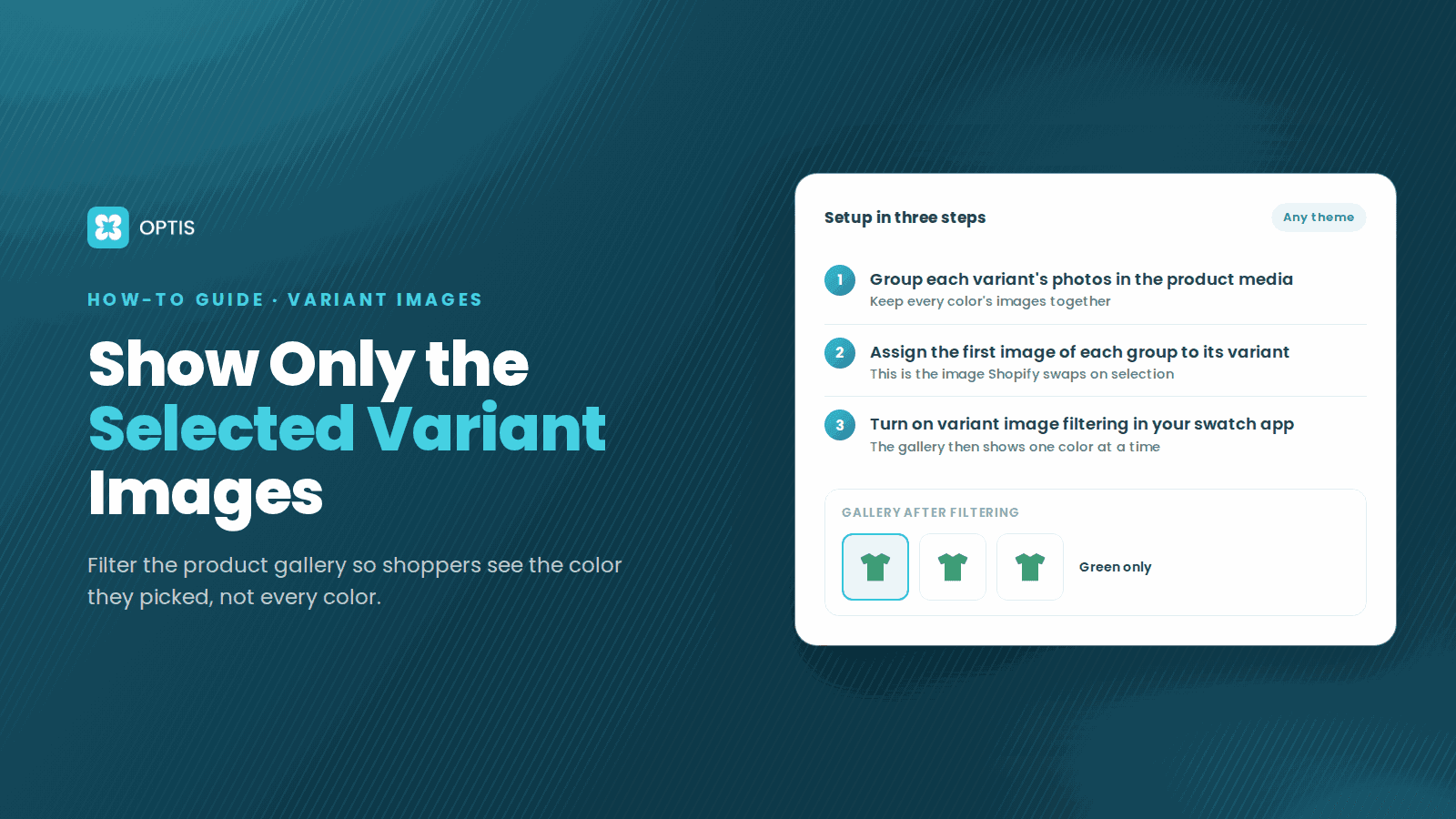
How to Show Only Selected Variant Images on Shopify
Shoppers pick Red but still scroll past blue photos? Learn how Shopify variant images work, what Dawn hides natively, and how to filter the gallery by variant.
8 min read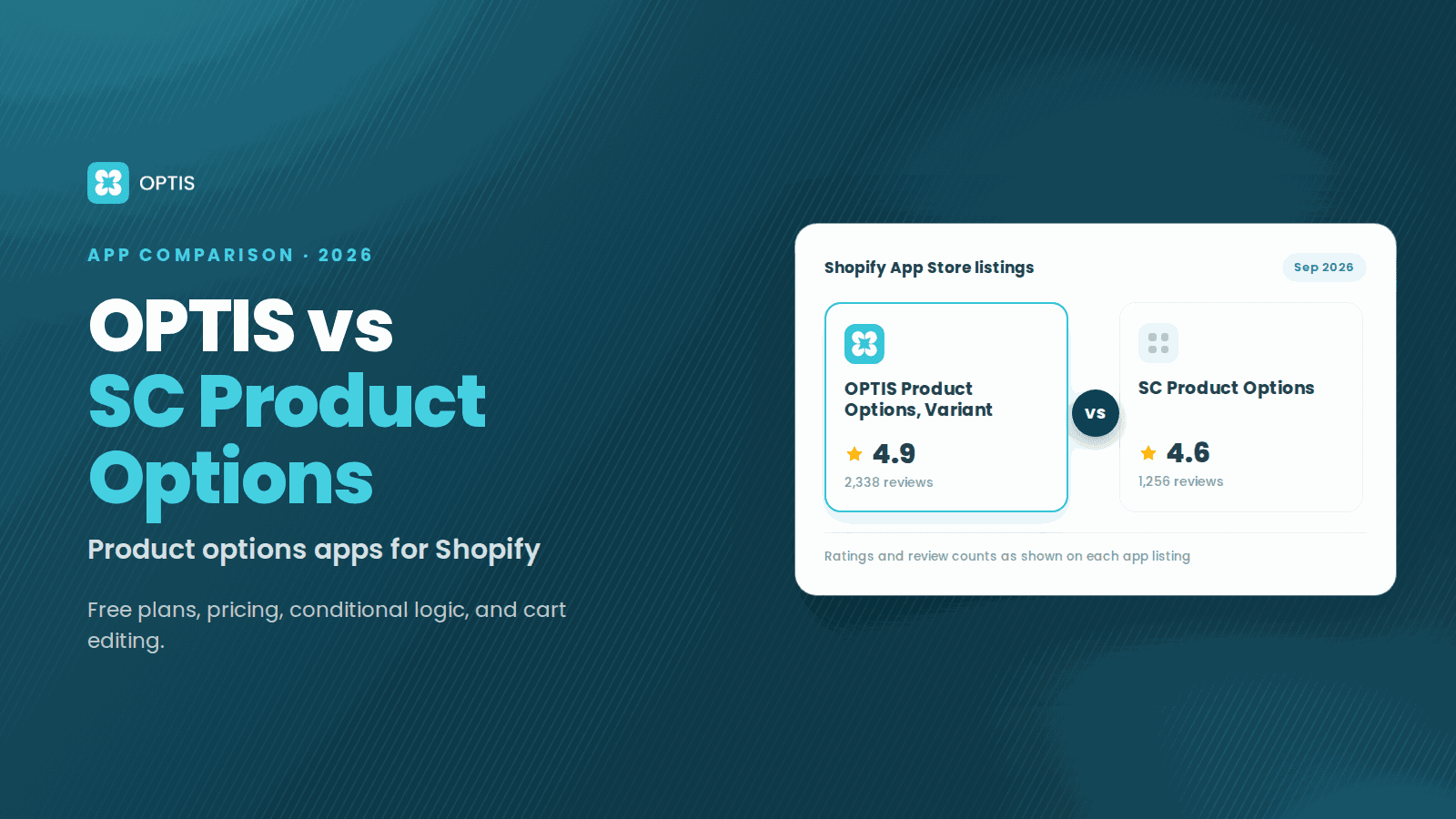
OPTIS vs SC Product Options (2026 Comparison)
OPTIS vs SC Product Options for Shopify (2026): free plans, pricing, conditional logic, cart editing, and which app fits your store, from live listings.
8 min read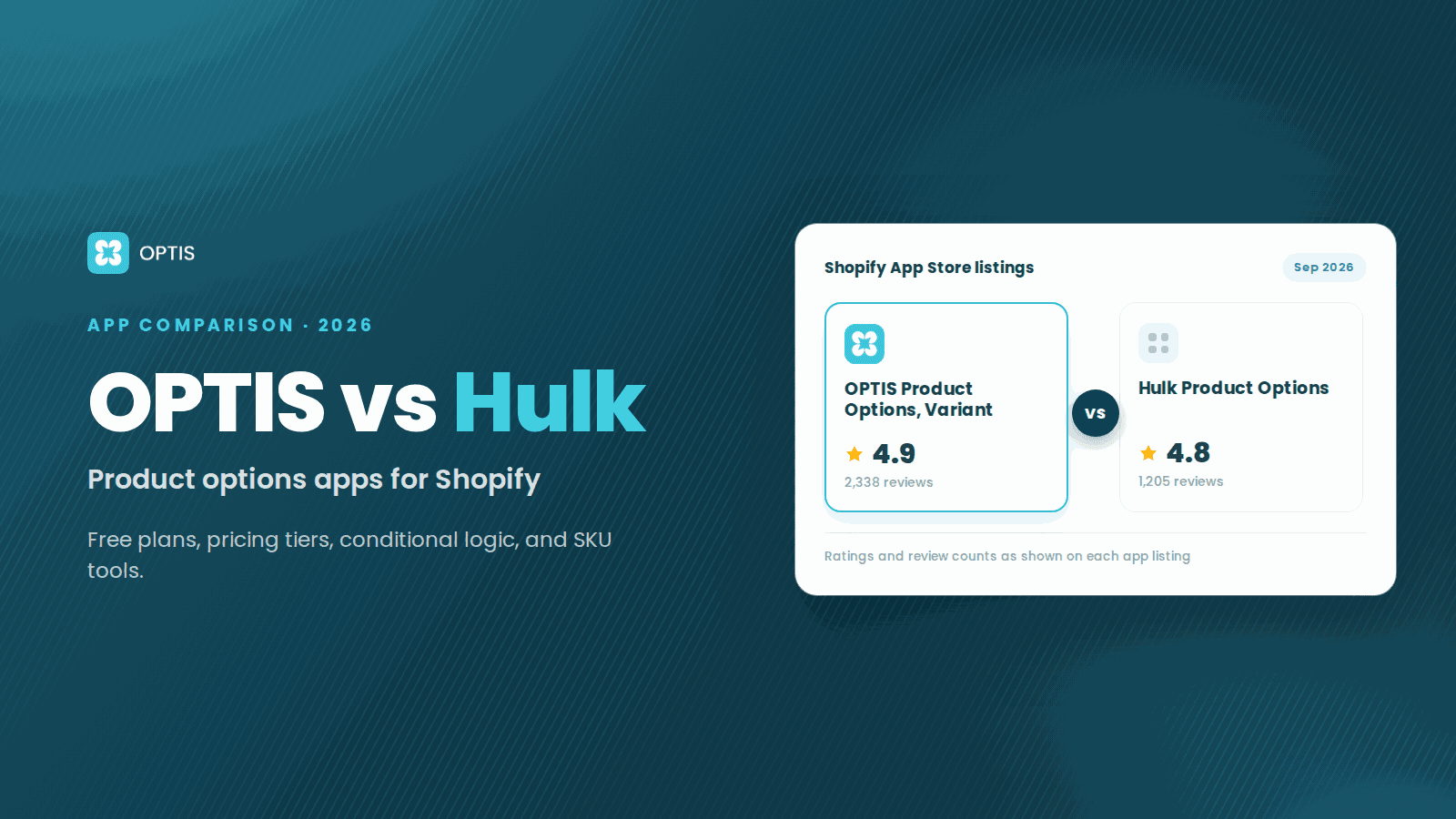
OPTIS vs Hulk Product Options (2026 Comparison)
OPTIS vs Hulk Product Options for Shopify (2026): free plans, pricing tiers, conditional logic, SKU tools, and which app fits your store, from live listings.
8 min read