
How to Add Color Swatches to Shopify (2026 Guide)

Shopify stores can add color swatches in three ways: (1) enable the native swatch picker in Dawn theme 13+ (free, limited styling), (2) configure Shopify's category metafields for color (free, requires admin setup, image behavior depends on your theme), or (3) install a dedicated color swatch app like OPTIS Color Swatch Variants, which delivers full control over swatch shape, hover effects, a gallery that shows only the selected variant's images, and collection-page swatches. For most stores, option 3 is the fastest path to conversion-grade swatches.
At a glance
- Methods covered
- (1) Dawn theme native, (2) Category metafields, (3) OPTIS Color Swatch app
- Fastest method
- Method 3 - app install (~15 minutes)
- Free methods
- Methods 1 and 2 are free; Method 3 is free on Shopify trial, partner/development, Pause & Build, and staff stores, paid from $11.90/mo with a 30-day free trial
- Show only the selected variant's images
- Method 3 (Dawn can move the variant's image first)
- Collection-page swatches
- Method 3 only (Method 2 partial via metafields)
- Custom swatch shape / size
- Method 3 for full control (Method 1 offers circle or square only)
- Dawn version for Method 1
- Dawn 13 or higher
- Recommended app
- OPTIS Color Swatch Variants (30-day free trial)
- Last updated
- September 2026
In this article
- The three methods at a glance
- Quick answer: fastest way to add swatches to a product page
- Method 1: Dawn native swatch picker (Dawn 13+)
- Method 2: Category metafields
- Method 3: OPTIS Color Swatch app (recommended for conversion-grade swatches)
- Full capability matrix: 3 methods compared
- Edge cases: non-Dawn themes and Online Store 1.0
- Troubleshooting
- Related: Shopify's variant model and combined listings
The three methods at a glance
This guide covers all three methods of how to add color swatches Shopify stores typically use, in order of increasing capability. Pick the method that matches your theme, your technical comfort, and your conversion goal.
| Method | Cost | Setup time | What you get | Best for |
|---|---|---|---|---|
| Method 1: Dawn native swatch picker | Free | 10-20 min | Basic swatches; Dawn moves the variant's image first | Dawn 13+ stores, limited customisation needs |
| Method 2: Category metafields | Free | 30-60 min | Admin-configured swatches, partial collection support | Developers comfortable in admin |
| Method 3: OPTIS Color Swatch app | From $11.90/mo (30-day free trial) | 15-30 min | Full control, image auto-swap, collection swatches, custom shape | Most stores wanting conversion-grade swatches |
Quick answer: fastest way to add swatches to a product page
Method 3 is the fastest path. Install OPTIS Color Swatch Variants from the Shopify App Store and start the 30-day free trial. From the OPTIS dashboard, choose Color Swatch as the swatch type, map each variant option value (Red, Navy, Forest Green) to a hex code or swatch image, enable Auto image swap so the main product image updates when shoppers click a colour, and verify on the storefront.
Total time: approximately 15 minutes on a standard Shopify theme. For collection-page swatches, see Method 3 in full detail below.
Method 1: Dawn native swatch picker (Dawn 13+)
Shopify's Dawn 13 release added a swatch display type to the variant picker that can replace dropdown variant selectors. It is free, ships with the theme, and needs no app. Swatch colours do not come from option names: Shopify only renders swatches for a colour option connected to a colour category metafield, where each colour entry holds a hex colour or an image.
Steps to enable it:
- Free, ships with the theme, zero ongoing cost
- Adds no extra script weight to the storefront
- Tightly integrated with Shopify's variant picker
- Needs Dawn 13+ or another theme that supports swatches
- Dawn moves the selected variant's assigned image to the front, and an optional Hide other variant media setting hides other variants' assigned images, but Shopify allows one image per variant, so extra photos of each colour stay in the gallery
- Circle or square shape only, no size or border customisation without theme CSS edits
- No collection-page swatches
- Every product needs a category and a colour option connected to the category metafield
- Verify Dawn version 13 or higher in Shopify admin: Online Store -> Themes -> theme name -> Actions -> Edit code (or check the changelog on Dawn's GitHub releases).
- In Shopify admin, open the product and assign a product category that has a colour attribute (for example Apparel & Accessories > Clothing > Clothing Tops > Shirts).
- In the product's Variants section, add the colour option by selecting the Color category metafield, so each option value is linked to a colour entry. Method 2 below covers the entries in more detail.
- Open the theme editor (Customize), navigate to the Product page template, and select the Variant picker block.
- Change the display type to Swatch, choose the swatch shape (circle or square), then save and preview.
Method 2: Category metafields
Shopify exposes a built-in color metafield in the standard product taxonomy. Stores comfortable in admin can populate this metafield and have a theme render the value as a swatch, with no app installed.
Setup:
- Uses Shopify's native standard metafield (no third-party dependency)
- Free, no app to install
- Colour data can be reused for filtering and search
- Image switching comes from your theme, not the metafield (the metafield stores a colour value, not a behavior)
- Collection-page rendering needs theme customisation
- Every new colour variant needs a manual metafield update
- Not a no-code path: requires developer comfort with admin and possibly Liquid
- In Shopify admin, open the product and assign a standard product category that includes a colour attribute. Assigning the category unlocks its category metafields automatically, so there is no metafield definition to create under Settings -> Custom data. See the Shopify Help Center guide to color swatches with category metafields.
- In the product's Category metafields section, open the colour metafield and select or edit the colour entries you need. For a custom colour (Sage, Blush, Ecru), add a new entry and set its colour value or swatch image.
- In the Variants section, add the colour option by selecting the colour category metafield (or connect an existing option to it), so each option value uses its colour entry.
- In the theme editor, select the Variant picker block and choose the swatch display if the theme supports variant options with swatches. Dawn 13 and newer surface this option.
- For collection-page swatches via metafields, update the collection template to render the metafield value. This needs developer time.
Method 3: OPTIS Color Swatch app (recommended for conversion-grade swatches)
OPTIS Color Swatch Variants is a Built-for-Shopify app used by stores that need the full swatch feature set: image auto-swap, custom shape, collection-page swatches, tooltip, and out-of-stock states. It installs via Theme App Extensions, which means uninstalling is clean (no leftover Liquid in the theme).
The app is free on Shopify trial, partner/development, Pause & Build, and staff stores. Live stores pay from $11.90/mo based on their Shopify plan, with a 30-day free trial, and every paid plan includes unlimited swatches, variant images, and combined listings for stores splitting colours across separate products.
- 1
Install OPTIS Color Swatch from the Shopify App Store
Search OPTIS Color Swatch Variants on the App Store, install, and start the 30-day free trial. OPTIS uses Theme App Extensions only: no checkout code, no theme file injection.
- 2
Configure swatch display settings
Open the OPTIS dashboard, go to Swatch Settings. Choose swatch shape (circle, square, rounded rectangle), size (small / medium / large), border, and out-of-stock behavior (strikethrough, greyed-out, or hidden).
- 3
Map option values to colours or images
For each colour option value in the store (Midnight Blue, Cream, Olive), assign a hex code (#003153) or upload a swatch image. The mapping UI provides a colour picker and an image upload.
- 4
Enable Auto image swap
Toggle Variant image swap to on. Test by opening a product page and clicking each swatch: the main product image should update to the variant-specific photo without a page reload.
- 5
Enable collection-page swatches
In the dashboard, open Collection Swatch settings and enable. Shoppers browsing collection pages will see colour swatches directly on product cards and can select a colour before entering the product page.
What Method 3 gives you that Methods 1 and 2 cannot
- Auto image swap on variant select (no page reload)
- Collection-page swatch display
- Custom swatch shape and size control
- Tooltip on hover showing the colour name
- Out-of-stock visual state (crossed-out or greyed swatch)
- Swatch image upload for patterns and textures, not just solid colours
- Multi-language and Shopify Markets compatibility
Full capability matrix: 3 methods compared
Verified May 2026 against live Dawn 14, Shopify admin, and OPTIS app. Method 1 shape, theme support, and code rows re-checked September 2026 against the Shopify Help Center and Dawn's source.
| Capability | Method 1: Dawn | Method 2: Metafields | Method 3: OPTIS |
|---|---|---|---|
| Collection-page swatches | No | Dev required | Yes |
| Show only the selected variant's images | Partial (Dawn: one assigned image per variant) | Depends on theme | Yes |
| Custom swatch shape | Circle or square | No | Yes |
| Tooltip on hover | No | No | Yes |
| Out-of-stock visual state | Basic | No | Yes |
| Multi-language / Markets | Yes | Yes | Yes |
| Works on non-Dawn themes | Themes with swatch support | Dev required | Yes |
| Required code knowledge | None (admin setup) | Developer | None |
Edge cases: non-Dawn themes and Online Store 1.0
Non-Dawn themes. Whether a non-Dawn theme shows native swatches depends on the theme: Shopify requires a theme that supports variant options with swatches, and vintage themes like Debut need code edits. Check your theme's documentation before relying on Method 1. Method 2 needs developer theme customisation. Method 3 is the practical answer because it uses Theme App Extensions and works independently of the theme's own variant picker. OPTIS ships free customisation help on install for unusual theme markup.
Online Store 1.0 themes. OS 1.0 themes (pre-2021, not using JSON templates) use a different architecture. Theme App Extensions require OS 2.0. For stores on OS 1.0, OPTIS can still be installed using a legacy embed block, but the setup needs a Liquid snippet added to the theme. The recommended path is to migrate to OS 2.0 first - Shopify itself strongly encourages this for long-term maintenance.
Troubleshooting
- Swatches not showing on the product page. Most common cause: the swatch app's App embed is not enabled in the theme editor. Go to theme editor -> App embeds -> verify OPTIS is toggled on. Second cause: the swatch is assigned to a product that is unpublished or whose variant option name does not match the swatch assignment.
- Wrong colour displaying. The hex code does not match the visual expectation, or the variant option value name does not match exactly (case-sensitive) what was entered in the swatch mapping. For Dawn native, check the colour entry in the product's colour category metafield, and confirm the colour option is connected to that metafield.
- Image not swapping on colour select. For OPTIS: verify Variant image swap is toggled on. Then verify each colour variant has its own first image assigned in Shopify admin (Products -> [product] -> Media). OPTIS swaps to the variant's first image; if none is set, it falls back to the main product image.
- Swatches appear on product page but not on collection page. For OPTIS: collection-page swatches must be enabled separately in Collection Swatch settings. Verify the theme's collection template supports app block embeds.
Common questions
Does Dawn theme support color swatches by default?
Dawn 13 and above includes a built-in swatch display for the variant picker that can be enabled in the theme editor without any app. Earlier Dawn versions (12 and below) do not have it, and other themes show native swatches only if they support variant options with swatches. Native swatches also need the product's colour option connected to a colour category metafield. For Dawn 13+, the native picker is free but limited: Dawn moves the selected variant's assigned image to the front but cannot filter a gallery with several photos per colour, there is no collection-page display, and shapes are circle or square only.
Do I need to know code to add color swatches to Shopify?
Not with a dedicated app. OPTIS Color Swatch installs via the App Store and configures entirely through a no-code dashboard. The Dawn native method needs no code, but each product needs a category and a colour option connected to the colour category metafield in Shopify admin. The metafield method requires developer comfort with Shopify admin and possibly Liquid for collection-page rendering.
Will color swatches slow down my Shopify store?
Built-for-Shopify apps like OPTIS use Theme App Extensions, which are loaded asynchronously and do not block the critical render path, so the performance impact on a well-built theme is minimal. The Dawn native method adds zero overhead. Poorly coded non-BFS apps can add render-blocking scripts: always run Lighthouse before and after installing any app to measure the impact on your specific theme.
Can I show color swatches on the collection page, not just the product page?
Yes, with Method 3. OPTIS Color Swatch ships collection-page swatches via a separate toggle in the dashboard. Method 1 (Dawn native) does not support collection-page swatches. Method 2 (metafields) needs developer theme customisation to render metafield data in the collection template.
What if my theme is an older Online Store 1.0 theme?
OS 1.0 themes (pre-2021, using `.liquid` templates rather than JSON templates) are not compatible with Theme App Extensions. OPTIS can still be installed using a legacy embed block that requires adding a Liquid snippet to the theme - this needs developer access to theme files. The recommended path for long-term maintenance is to migrate to an OS 2.0 theme first.
Is there a free Shopify color swatch app?
Only for stores that are not live yet. OPTIS Color Swatch Variants is free on Shopify trial, partner/development, Pause & Build, and staff stores. Live stores pay from $11.90/month based on their Shopify plan, with a 30-day free trial, and every paid plan includes unlimited swatches and core features (image auto-swap, custom shape, collection-page swatches, tooltip, out-of-stock state) plus combined listings for stores using a multi-product colour strategy. For a no-cost option on a live store, use the Dawn native picker (Method 1) or metafields (Method 2).
Next steps
If you are on Dawn 13+ and need only basic product-page swatches, enable the native picker in the theme editor and skip the app install. If you need a gallery filtered to the selected variant's photos, collection-page swatches, custom styling, or you are on a non-Dawn theme, install OPTIS Color Swatch Variants and start the 30-day free trial. Every paid plan (from $11.90/month, based on your Shopify plan) includes the full feature set, combined listings included.
If you would rather have the OPTIS team configure swatches for your catalog, including theme integration on unusual themes, talk to the team.
Keep reading
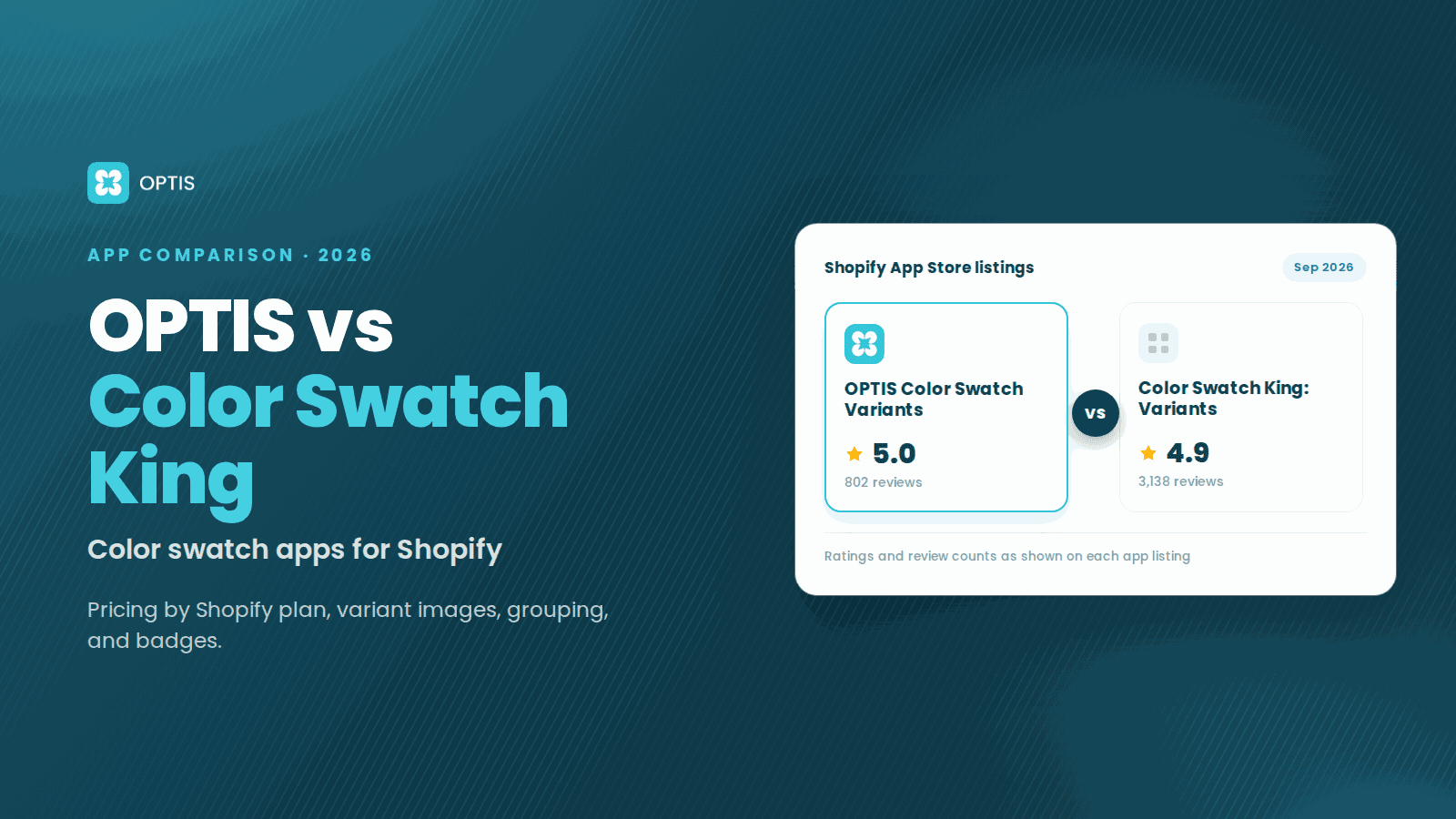
OPTIS Color Swatch vs Color Swatch King (2026)
OPTIS Color Swatch vs Color Swatch King for Shopify (2026): pricing by Shopify plan, variant images, grouping, badges, and which app fits which store.
7 min read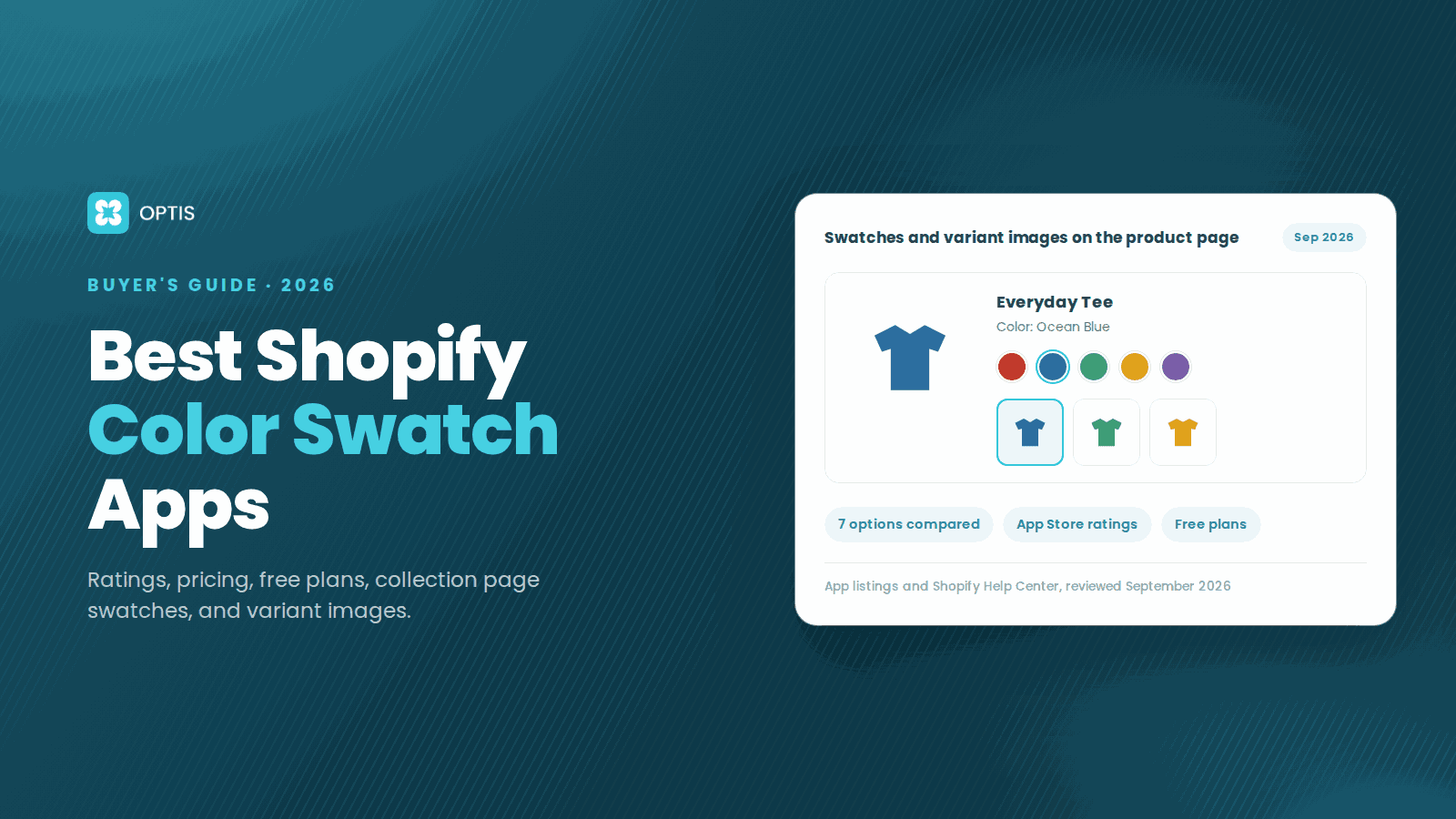
Best Shopify Color Swatch Apps 2026 (Compared)
Compare the best Shopify color swatch apps for 2026: ratings, pricing, free plans, collection page swatches, variant images, and honest weaknesses.
11 min read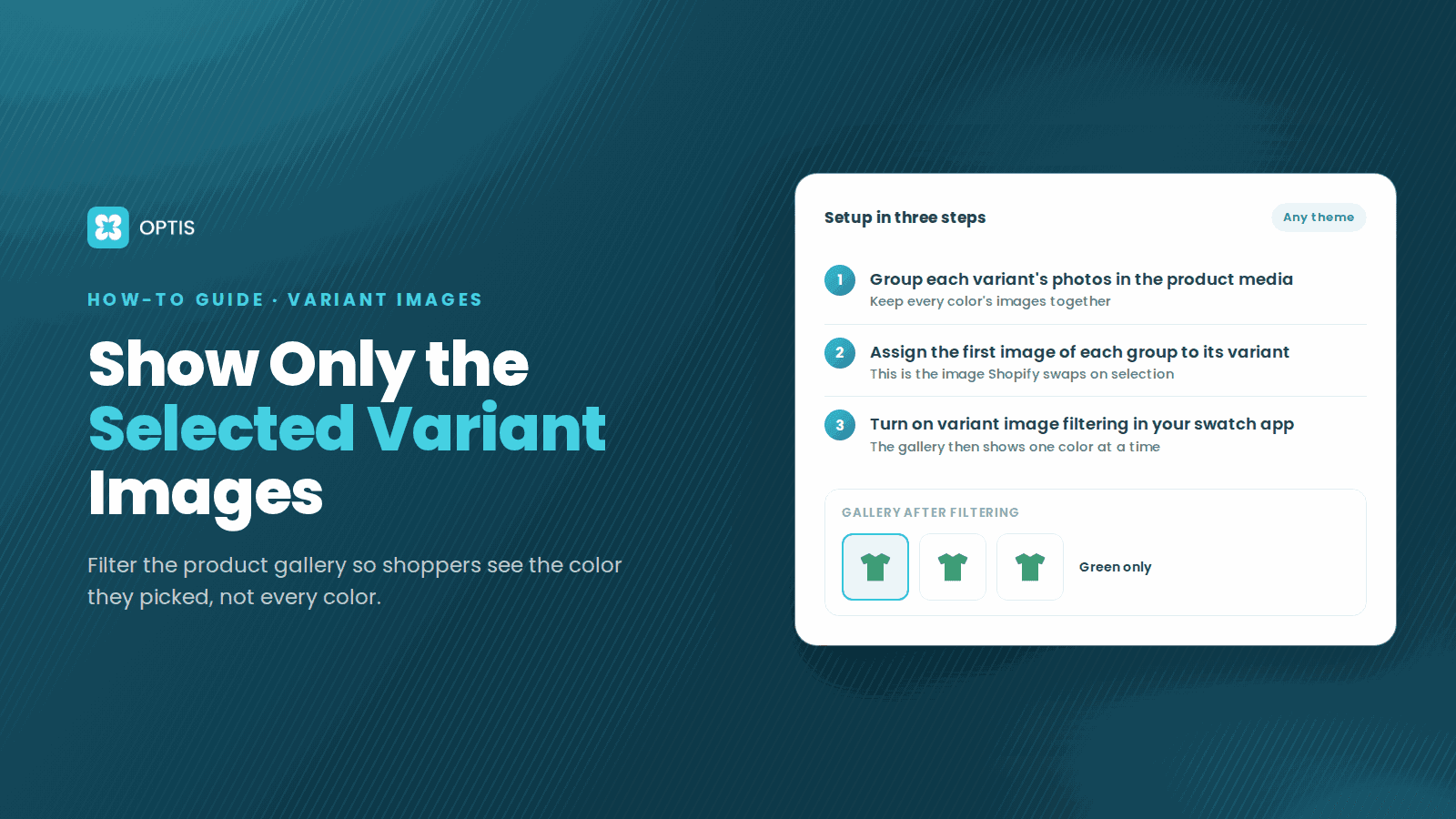
How to Show Only Selected Variant Images on Shopify
Shoppers pick Red but still scroll past blue photos? Learn how Shopify variant images work, what Dawn hides natively, and how to filter the gallery by variant.
8 min read