
Best Shopify Product Options Apps 2026 (Tested)

There is no single best Shopify product options app: the right one depends on your store. EasyFlow was the easiest setup for non-developers in our test. Easify and Globo have the most generous free plans (unlimited option sets, 15 option types, conditional logic). OPTIS Product Options, Variant offers 20+ option types, a free plan covering 10 option sets, and a Shopify Plus plan with customization service. Globo lists the most option types (30+) and the lowest top-tier price. Hulk lists inventory/SKU management and formula-based options on its Enterprise plan. Zakeke is the only choice here with a 3D configurator and AR. Use the decision guide below to pick from these six rather than treating any one as a universal winner.
At a glance
- Easiest setup
- EasyFlow Product Options - cleanest conditional-logic UI for non-developers in our test
- Most generous free tier
- Easify or Globo (unlimited option sets, 15 option types, conditional logic)
- Broad feature set plus Plus service
- OPTIS Product Options, Variant - 20+ option types, Built-for-Shopify, Unlimited plan for Shopify Plus
- Most option types / lowest top tier
- Globo Product Options (30+ types and CSV import/export on plans up to $19.90/mo)
- SKU-tracked add-ons / formula pricing
- Hulk Product Options (Enterprise plan)
- 3D / AR configurator
- Zakeke Customizer 2D & 3D (the only realistic choice)
- Built-for-Shopify in this list
- All six (verified September 2026)
- Testing method
- 20-product demo store, 12-criteria feature checklist, live install on Dawn 14
- Disclosure
- We make OPTIS. Sections below name where each competitor genuinely beats us.
- Last updated
- September 2026
In this article
Quick verdict by use case
Six apps cover the realistic option space for Shopify merchants in 2026. There is no single winner; the right one depends on what you sell and how you operate. The verdicts below match each use case to its strongest fit:
| Use case | Strongest fit | Why |
|---|---|---|
| Easiest setup (non-developer) | EasyFlow | Cleanest conditional-logic UI in testing |
| Most generous free tier | Easify or Globo | Both list unlimited option sets, 15 option types, and conditional logic on the free plan |
| Broad feature set plus Plus service | OPTIS | 20+ option types, BFS badge, Unlimited plan with customization service |
| Shopify Plus support | OPTIS Unlimited or Easify | OPTIS Unlimited: Plus plan with customization service and 1-1 support. Easify: same price on all Shopify plans |
| 3D / AR configurator | Zakeke | Only app in this list whose listing includes a 3D configurator and AR viewer |
| Large catalogs (500+ products) | Globo or OPTIS | Both list CSV import/export (Globo Premium, OPTIS Advanced); Globo's top tier is $19.90/mo |
| SKU-tracked add-ons / formula pricing | Hulk | Enterprise plan lists inventory/SKU management and formula-based options |
The short answer: how to pick in 30 seconds
Most stores end up choosing from a shortlist of three generalist apps: EasyFlow, Easify, and OPTIS Product Options, Variant. The other three (Globo, Hulk, Zakeke) fit more specific needs - if you don't already know you need 30+ option types at a low top-tier price, SKU-tracked add-ons, or 3D rendering, start with the shortlist. All six hold the Built for Shopify badge as of September 2026.
Within the shortlist, pick by the constraint that matters most to you right now: ease of setup (EasyFlow), free-tier headroom (Easify), or breadth of option types (OPTIS). All three install for free and let you test on your real catalog before deciding.
We make OPTIS, so treat that recommendation skeptically; the sections below call out where EasyFlow and Easify genuinely beat us.
| App | Free tier | Built for Shopify | Option types | Starting paid price |
|---|---|---|---|---|
| EasyFlow Product Options | Yes (5 option sets, up to 20 products) | Yes | All types except file upload on free | $9.99/mo |
| Easify Product Options | Yes (unlimited option sets, 15 types) | Yes | 15 free, 28 on Pro | $9.99/mo |
| OPTIS Product Options | Yes (10 sets) | Yes | 10+ free, 20+ total | $9.99/mo |
How we tested
Every app in this list was installed fresh on the same Shopify partner store running Dawn 14, with 20 representative products across three scenarios: apparel (Size × Color × Material plus text engraving), furniture (material picker plus custom dimensions text plus file upload), and gift product (gift message plus conditional gift wrap). The OPTIS demo store (password: `1`) was used as the live reference for OPTIS-specific behavior.
We were not paid by any vendor to include them in this list. Where a competitor outperforms OPTIS, we say so in that app's section.
- 6
- Apps tested
- 12
- Scoring criteria
- 20
- Products
- Sep 2026
- Last verified
OPTIS, EasyFlow, Easify, Globo, Hulk, Zakeke
Feature, perf, support, free-tier scope
3 scenario types on Dawn 14
Ratings, pricing, plans, and BFS against live listings
12 criteria we scored against
- Number of option types supported
- Built-for-Shopify badge (yes/no)
- Free tier availability and real scope (not just marketing)
- Conditional logic depth (single level vs nested)
- Shopify Plus compatibility and dedicated support
- Storefront render speed (Lighthouse on Dawn 14)
- Support quality (response time, live chat availability)
- Price add-ons and charge-per-option support
- Cart-page edit capability without re-adding product
- Live preview on the product page
- Multi-language and Shopify Markets support
- App Store rating and review count as social proof proxy
Top 6 apps, deep dive
Six apps, each with a recommended pricing tier, the headline features, who it is for, and one honest weakness. Click any app name to open its Shopify App Store listing for current screenshots and live reviews.
1. OPTIS Product Options, Variant
Pricing: Free (10 option sets, 10+ types) · Advanced $9.99/mo (unlimited option sets, conditional logic, price add-on, import/export, 5 file uploads) · Platinum $19.99/mo (unlimited option types, 20 file uploads, option quantity, edit option on cart page) · Unlimited $49.99/mo (for Shopify Plus, customization service, 1-1 support).
Honest weakness: With 20+ option types and conditional logic, OPTIS has a steeper learning curve than EasyFlow or Easify for a first-time non-developer setup. Conditional logic and price add-ons are not on the OPTIS free plan (they start at Advanced, $9.99/mo), while EasyFlow, Easify, and Globo include conditional logic on their free plans. The Unlimited plan at $49.99/mo is also premium-priced versus competitors; merchants who only need basic options should stay on Advanced rather than jumping to Unlimited. Disclosure: OPTIS is our app, so weigh this section against the competitor sections below.
Who it is for: Stores that need more than 3 option axes, advanced personalization fields (text plus upload plus conditional), or visual swatches with live preview. Less ideal as a first install for someone who only needs a single simple dropdown.

- 20+ option types: text, swatch, file upload, conditional, quantity, bundle, date picker, font picker
- Built-for-Shopify certified: passes Shopify's performance and UX standards
- Conditional logic: show/hide options based on prior selection (Advanced and up)
- Price add-ons per option value (Advanced and up)
- Cart-page editing without re-adding product (Platinum and up)
- Live preview for image and color swatches
- Translations for multi-language stores (works with Translate & Adapt)
- 4.9★ from 2,338 reviews on the Shopify App Store (September 2026)
2. EasyFlow Product Options
Listing: apps.shopify.com/product-options-4 · Rating: 4.9★ from 423 reviews · Developer: Storeware (easy-flow.app)
Pricing: Free (up to 20 products, 5 option sets, conditional logic, bulk edit/apply, all option types except file upload) · Growth $9.99/mo (up to 100 products, 15 option sets, file upload, price add-on, priority support) · Scale $29.99/mo (up to 500 products, 30 option sets) · Enterprise $149.99/mo (unlimited products and option sets). Paid plans include a 7-day free trial. EasyFlow prices by product and option-set count, so the plan you need depends on catalog size.
What the listing highlights: Unlimited variant options with no 100-variant limit, a product personalizer (text box, dropdowns, file upload, swatches, date picker), conditional logic that works with Shopify variants, price add-ons with multi-currency upcharges, and bulk edit/apply of reusable option sets.
Honest weakness (where EasyFlow beats OPTIS, and where it doesn't): EasyFlow genuinely beats OPTIS on first-install simplicity for non-developers - the conditional-logic editor is the most visual one we tested - and its free plan includes conditional logic, which OPTIS reserves for Advanced. Where OPTIS differs: EasyFlow caps products per plan (20 free, 100 Growth, 500 Scale) until Enterprise at $149.99/mo, while OPTIS plans are priced by features rather than product count, and OPTIS has a Shopify Plus plan with customization service.
Who it is for: Solo merchants and small teams with catalogs that fit the product caps, who value visual ease of setup over the absolute longest feature list.
- Built-for-Shopify certified
- Cleanest conditional-logic UI of the six apps tested
- Option types include text, dropdown, swatch, date picker, checkbox, dimensions, and file upload (Growth and up)
- Price add-ons with multi-currency upcharges (Growth and up)
- Bulk edit/apply of reusable option sets (free plan)
- Conditional logic on the free plan; conditional logic for Shopify variants on Growth
3. Easify Product Options
Listing: apps.shopify.com/easify-product-options · Rating: 4.9★ from 3,034 reviews · Developer: Easify (easifyapps.com)
Pricing: Free Forever (unlimited option sets, products, and orders, 15 option types, 100+ templates, conditional logic) · Pro $9.99/mo (28 option types, formula and per-character pricing, 10 file uploads at 10MB, in-cart option editing) · Premium $19.99/mo (live preview personalizer, 20 file uploads at 100MB) · Enterprise $99.99/mo (done-with-you onboarding, VIP support). The same price applies on all Shopify plans, and paid plans include a 14-day free trial.
What the listing highlights: A product personalizer with live preview, conditional logic based on Shopify or custom variants, add-on upsells and option badges, and field types including file upload, checkboxes, dimensions (custom size price calculator), date/time picker, dropdown, and image swatch.
Honest weakness: File upload, formula pricing, and in-cart editing need Pro ($9.99/mo), and the live preview personalizer and 100MB uploads need Premium ($19.99/mo), so personalization-heavy stores should budget for a paid tier despite the generous free plan.
Who it is for: Price-sensitive merchants, including apparel, jewellery, and POD stores, who want many option sets at zero cost and a clear upgrade path to formula pricing and live preview. As with any options app, run a staging test first.
- Built-for-Shopify certified
- Free Forever plan with unlimited option sets, products, and orders
- 15 option types free, 28 on Pro
- Formula, per-character, and one-time pricing (Pro)
- Same price on all Shopify plans, including Plus
- 100+ templates
4. Globo Product Options
Listing: apps.shopify.com/product-options-pro · Rating: 4.9★ from 5,018 reviews · Developer: Globo Options (globo.io)
Pricing: Free (unlimited option sets, products, and orders, 15 option types, conditional logic, live chat and email support) · Premium $9.90/mo ($39.90/mo on Shopify Plus; 20 option types, import/export, price add-ons, file upload up to 20MB) · Advanced $19.90/mo ($59.90/mo on Shopify Plus; 30+ option types, live preview personalizer, 20 files at 100MB each, edit options in cart, POS support). Paid plans include a 14-day free trial. Globo has the cheapest top tier in this list for non-Plus stores ($19.90/mo) compared to OPTIS Unlimited ($49.99/mo) or Zakeke's plans.
What the listing highlights: Text input, file upload, color swatch, variant image, dropdown, and checkbox fields with add-on pricing, conditional logic, and CSV import/export of product variants, plus a product personalizer with live preview.
Honest weakness: Live preview, 30+ option types, 100MB uploads, cart editing, and POS support all sit on Advanced, and Shopify Plus stores pay a higher price for each paid plan ($39.90 and $59.90/mo instead of $9.90 and $19.90/mo).
Who it is for: Stores that want the most option types at the lowest top-tier price, CSV import/export of options, or POS support. Genuinely beats OPTIS on top-tier price and free-plan scope - this is one of the sections where a competitor wins outright.
- 30+ option types on Advanced - largest count in this list
- Unlimited option sets and conditional logic on the free plan
- File upload up to 20 files at 100MB per file (Advanced; Easify Premium lists the same allowance)
- CSV import / export (Premium and up)
- Option groups (Advanced)
- POS support and edit options in cart (Advanced)
- Options shown in orders, packing slips, and emails
5. Hulk Product Options
Listing: apps.shopify.com/product-options-by-hulkapps-1 · Rating: 4.8★ from 1,206 reviews · Developer: HulkApps (hulkapps.com)
Pricing: Free on development stores only · Basic $10/mo (unlimited options, 10 option types, swatches, file upload, price add-ons, apply option sets to entire collections) · Advanced $20/mo (20 option types, conditional logic, edit in cart, product image changes per option) · Enterprise $49.90/mo (inventory/SKU management, enhanced conditional logic, formula-based options, Google Font picker, POS). All plans include a 7-day free trial.
What the listing highlights: Unlimited options and variants beyond Shopify's limits, conditional logic, add-on pricing with fixed, percentage, or formula-based charges, an image customizer with swatches, file uploads, and Google Font text, and bulk application of option sets via CSV with SKU tracking and POS support.
Honest weakness: There is no free plan for live stores, conditional logic starts at Advanced ($20/mo), and formula-based options, inventory/SKU management, and POS need Enterprise ($49.90/mo).
Who it is for: Stores that need SKU/inventory tracking on options, formula-based add-on pricing, or CSV bulk application with POS support, and that are comfortable on a paid plan from day one.
- Built-for-Shopify certified
- Inventory/SKU management for options (Enterprise)
- Fixed, percentage, or formula-based add-on pricing
- Apply option sets in bulk via CSV or to entire collections
- Multi-currency, Markets, B2B, and POS support listed
6. Zakeke Product Configurator
Listing: apps.shopify.com/zakeke-interactive-product-designer · Rating: 4.7★ from 99 reviews · Developer: Zakeke (Futurenext Srl) (zakeke.com)
Pricing: Free on development stores only. Starter $69.90/mo (up to 10 published products, 1.9% transaction fee on products sold via Zakeke). Grow $129.90/mo (up to 50 products, 1.7% fee). Scale $299.90/mo (up to 100 products, 1.5% fee). Every plan includes the 2D visual customizer, 3D configurator, 3D DAM & AR viewer, and virtual try-on, with a 14-day free trial. This is the only app in the list that adds a transaction fee on sold customized products, so cost grows with sales volume.
What the listing highlights: Unlimited personalization options (text, photos, colors, templates, pricing), real-time customization with live preview even in 3D, automatic print-ready files for every order, AI realistic previews, and connections to print-on-demand providers.
Honest weakness: Zakeke has the highest entry price in this list ($69.90/mo plus a transaction fee) and caps published products at 10 to 100 depending on plan. The 3D configurator also needs 3D product assets, which adds setup work compared to the 2D-only apps here.
Who it is for: Furniture, jewellery, custom apparel, or print-on-demand stores where 3D / AR is the actual conversion driver and the plan price plus transaction fee maths out. If you don't need 3D, every other app in this list is better value.
- Only app in this list whose listing includes a 3D configurator
- 3D DAM & AR viewer and virtual try-on on every plan
- Automatic print-ready files for POD workflows
- Works with Printful, CustomCat, Order Desk, and Shopify POS
- Built-for-Shopify certified
Full feature matrix
The centerpiece comparison. All six apps across twelve features. Plan-level facts re-verified September 2026 against live Shopify App Store listings; "Not stated" means the listing does not say.
- OPTIS2,338
- Hulk1,206
- Globo5,018
- Easify3,034
- EasyFlow423
- Zakeke99
| Feature | OPTIS | EasyFlow | Easify | Globo | Hulk | Zakeke |
|---|---|---|---|---|---|---|
| Option types | 10+ free, 20+ total | All types except file upload on free | 15 free, 28 Pro | 15 free, 30+ Advanced | 10 Basic, 20 Advanced | Unlimited personalization (2D/3D) |
| Conditional logic | Yes (Advanced) | Yes (Free) | Yes (Free) | Yes (Free) | Yes (Advanced) | Yes |
| File upload | 5 files (Advanced), 20 (Platinum) | Growth and up | 10 × 10MB (Pro), 20 × 100MB (Premium) | 20MB (Premium), 20 files × 100MB (Advanced) | Yes (Basic) | Photo upload in customizer |
| Built for Shopify | Yes | Yes | Yes | Yes | Yes | Yes |
| Free tier scope | 10 sets | 5 sets, up to 20 products | Unlimited sets, 15 types | Unlimited sets, 15 types | Development stores only | Development stores only |
| Shopify Plus support | Yes (Unlimited plan) | Standard | Same price on all plans | Plus pricing ($39.90 / $59.90) | Standard | Standard |
| Price add-ons | Yes (Advanced) | Yes (Growth) | Formula, per character (Pro) | Yes (Premium) | Fixed, %, formula | Yes |
| Cart-page edit | Yes (Platinum) | Not stated | Yes (Pro) | Yes (Advanced) | Yes (Advanced) | Not stated |
| Live preview | Yes | Yes | Yes (Premium) | Yes (Advanced) | Image changes per option (Advanced) | Yes (2D/3D, AR) |
| Markets / multi-currency | Not stated (translations for multi-language stores) | Multi-currency upcharges | Not stated | Not stated | Yes | Not stated |
| Rating (Sep 2026) | 4.9★ (2,338) | 4.9★ (423) | 4.9★ (3,034) | 4.9★ (5,018) | 4.8★ (1,206) | 4.7★ (99) |
| Starting paid price | $9.99/mo | $9.99/mo | $9.99/mo | $9.90/mo | $10/mo | $69.90/mo + fee |
If your store is X, here are the realistic choices
A decision shortcut by store archetype. Each row lists the two or three apps that genuinely fit, ordered by best match. Where multiple apps work, the one we suggest first is the safest default, not the only valid answer.
Three merchant scenarios in practice
Jewellery store adding engraving. Install whichever of EasyFlow, OPTIS, or Easify you find easiest to configure. Create one option set with a Text Input field (max 20 characters) and a $5 price add-on. Apply to the engraving collection. Setup time: 15 minutes in any of the three. Result: every necklace, ring, or pendant in the collection accepts a personalized engraving at checkout with the extra fee added automatically.
Furniture store adding custom dimensions. This is where richer feature sets earn their keep. OPTIS Advanced, Easify Pro, or Hulk Enterprise all list the pieces you need, depending on whether you want a size price calculator or formula-based options. Create an option set with three Number fields (Width, Height, Depth in cm), a Conditional File Upload (room photo, shown only if 'Custom fit' is checked), and a Dropdown for finish material with tiered price add-ons. Setup time: 30 minutes. Result: shoppers spec dimensions before checkout, the production team sees them on the order confirmation and packing slip.
Fashion store adding monogramming. Easify or Globo free are the most generous starting points on option sets; EasyFlow is the easiest to wire up for a non-developer; OPTIS offers live preview for image and color swatches. Add a Text Input for the monogram, a Font Picker dropdown, and a Conditional Position selector (Left chest, Right cuff, Center back) shown only if monogramming is enabled. Setup time: 20 minutes.
| Store type | Realistic choices | Why |
|---|---|---|
| Jewellery or engraving | EasyFlow, OPTIS, Easify | Text input plus a price add-on - all three need an entry paid plan for add-on pricing: EasyFlow Growth, OPTIS Advanced, or Easify Pro (per-character pricing), each $9.99/mo |
| Custom apparel or print on demand | Easify, OPTIS | File upload plus colour swatch. Easify Pro or OPTIS Advanced for file upload; Easify Premium adds the live preview personalizer |
| Made-to-order furniture | OPTIS, Easify, Hulk | Text dimensions plus conditional logic plus file upload. Easify Pro lists a custom size price calculator; Hulk Enterprise lists formula-based options |
| 500+ products needing bulk assignment | Globo, OPTIS, Hulk | Globo and OPTIS list CSV import/export of options; Hulk lists CSV bulk apply and apply-to-collection |
| SKU-tracked add-ons or formula pricing | Hulk, Easify | Hulk Enterprise lists inventory/SKU management and formula-based options; Easify Pro lists formula pricing |
| 3D or AR visualizer required | Zakeke | Only app in the list whose listing includes a 3D configurator |
| First-time merchant, zero budget | Easify, Globo, EasyFlow, OPTIS | All four ship usable free tiers. Easify or Globo for unlimited option sets, EasyFlow for simplest setup (up to 20 products), OPTIS for 10 sets and the broadest type library on paid plans |
Free vs paid: what the catch is
Free tiers are real but not infinite. Here is where each one hits a wall, so you don't get surprised after onboarding 50 products.
- Hulk$10
- Globo$9.90
- EasyFlow$9.99
- OPTIS$9.99
- Easify$9.99
- Zakeke$69.90 + fee
- OPTIS free covers 10 option sets with 10+ option types. Hits the wall when you need conditional logic, price add-ons, import/export, or file upload (requires Advanced at $9.99/mo) or a Shopify Plus customization service (Unlimited at $49.99/mo).
- Easify free offers unlimited option sets, products, and orders with 15 option types and conditional logic. Formula pricing, file upload, and in-cart editing need Pro; live preview needs Premium.
- Globo free also offers unlimited option sets with 15 option types and conditional logic. Price add-ons, import/export, and file upload need Premium; live preview and 30+ types need Advanced.
- EasyFlow free covers up to 20 products and 5 option sets with conditional logic. File upload and price add-ons need Growth ($9.99/mo), which also raises the cap to 100 products.
- Hulk and Zakeke are free only on development stores, with 7-day and 14-day trials on paid plans respectively. Neither is a permanent free-tier solution for a live store.
- Support tiers differ. OPTIS, Globo, and Easify list live chat on their free plans; EasyFlow lists standard support on Free and priority support on paid plans.
Sources and screenshot references
Every rating, review count, pricing tier, plan feature, and Built for Shopify status above was re-verified against the live Shopify App Store listing or the vendor's documentation in September 2026. Click any app name in the deep-dive section to open its listing, where you can also browse the vendor's screenshots, demo store links, and live customer reviews.
- OPTIS Product Options, Variant - App Store listing (demo store, password: `1`) · docs
- EasyFlow Product Options - App Store listing · reviews
- Easify Custom Product Options - App Store listing · reviews
- Globo Product Options, Variant - App Store listing · vendor site
- Hulk Product Options - App Store listing · reviews
- Zakeke Customizer 2D & 3D - App Store listing · vendor site
- Built for Shopify program overview - the criteria behind the badge
- Built for Shopify requirements - theme app extensions and storefront performance rules
- Shopify Help Center - about product options and variants - what native Shopify options can and cannot do
Common questions
What is the best free Shopify product options app?
The strongest best free Shopify product options app picks in 2026 are Easify Product Options and Globo Product Options (both list unlimited option sets, 15 option types, and conditional logic on the free plan), OPTIS Product Options (permanent free tier covering 10 option sets and 10+ option types), and EasyFlow (free for up to 20 products and 5 option sets, with conditional logic). OPTIS needs Advanced ($9.99/mo) for conditional logic, price add-ons, and file upload. All four are Built-for-Shopify certified, install via the Shopify App Store, and use Shopify's standard app billing - any upgrade is added to your existing Shopify invoice.
Which product options apps are Built for Shopify in 2026?
As of September 2026, all six apps in this list hold the Built-for-Shopify badge on their App Store listings: OPTIS Product Options, EasyFlow, Easify, Globo, Hulk, and Zakeke. The badge means they meet Shopify's performance, design, and integration standards. Badges can change, so verify on each listing before installing.
Can I use two product options apps at the same time?
Technically possible but not recommended. Two apps injecting scripts into the product page can conflict, cause duplicate fields, or slow render time. The practical answer is to pick one app and configure it fully rather than layering two partial solutions.
Do these apps work with Shopify Markets and multi-currency?
EasyFlow (multi-currency upcharges) and Hulk (multi-currency, Markets, B2B, and POS) state this on their listings. The OPTIS listing states translation support for multi-language stores, and the OPTIS, Easify, Globo, and Zakeke listings do not state Markets or multi-currency support - verify with the vendor before relying on it.
Will any of these apps break Online Store 2.0 themes?
All six apps are Built for Shopify, and Shopify's Built for Shopify requirements require apps that add elements to the online store to use theme app extensions and not to reduce the storefront Lighthouse score by more than ten points. That makes theme breakage unlikely, but always install on a theme duplicate and test on staging before going live.
Which product options app is easiest for a non-developer?
In our testing, EasyFlow's conditional logic UI was the most visual of the six apps. OPTIS is also beginner-friendly with its template library. Zakeke involves the most setup if you use its 3D configurator, which needs 3D product assets.
Next steps
The fastest path to a confident answer is installing two of the three shortlist apps (EasyFlow, Easify, OPTIS) on a theme duplicate and spending 20 minutes setting up the same option set in each. The right pick will be obvious after that exercise.
If you want to start with OPTIS Product Options, Variant, the free plan covers everything you need to validate the integration before upgrading. If you would rather have our team configure option sets, theme integration, and live preview for your catalog, talk to the OPTIS team.
Keep reading
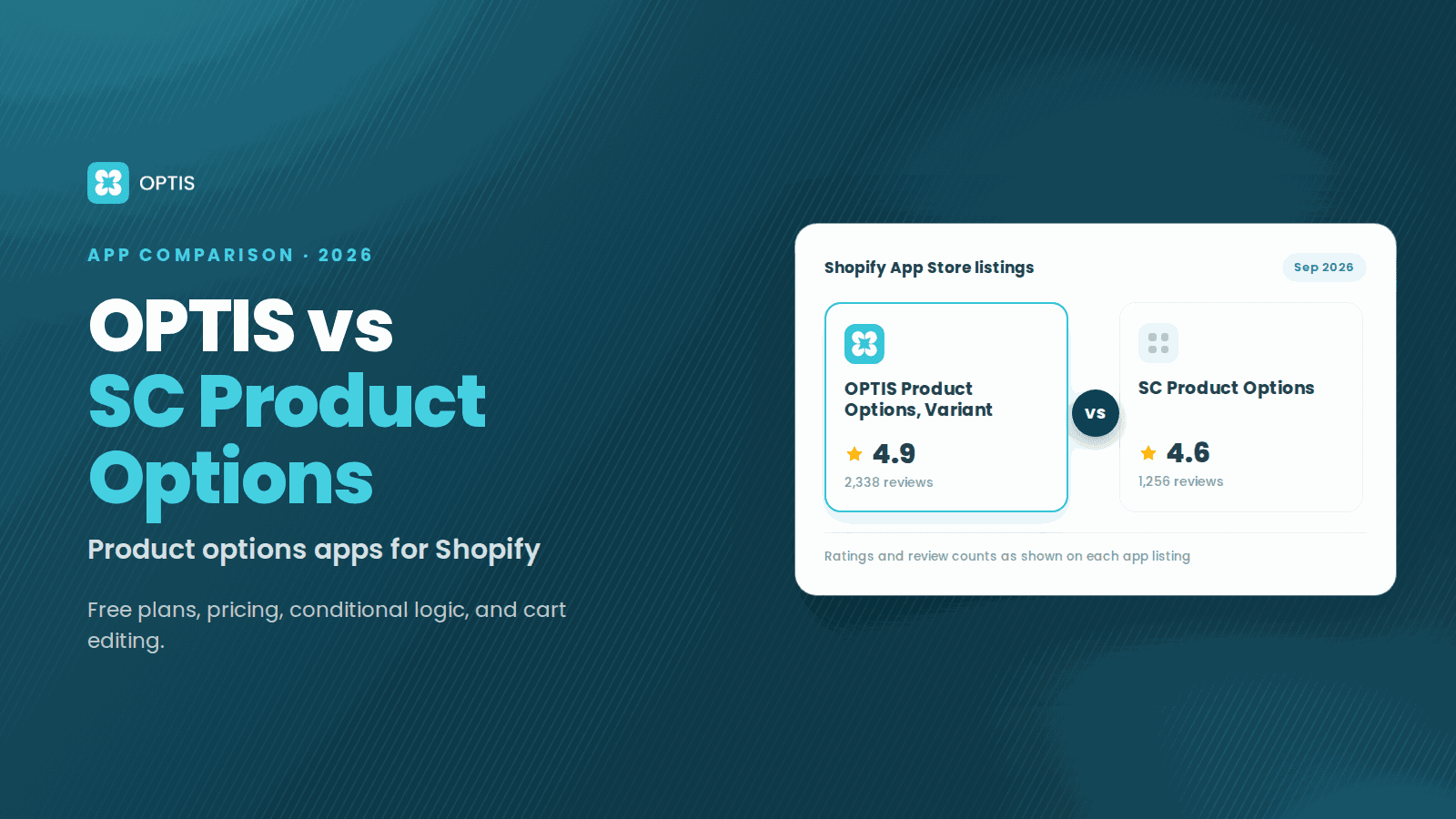
OPTIS vs SC Product Options (2026 Comparison)
OPTIS vs SC Product Options for Shopify (2026): free plans, pricing, conditional logic, cart editing, and which app fits your store, from live listings.
8 min read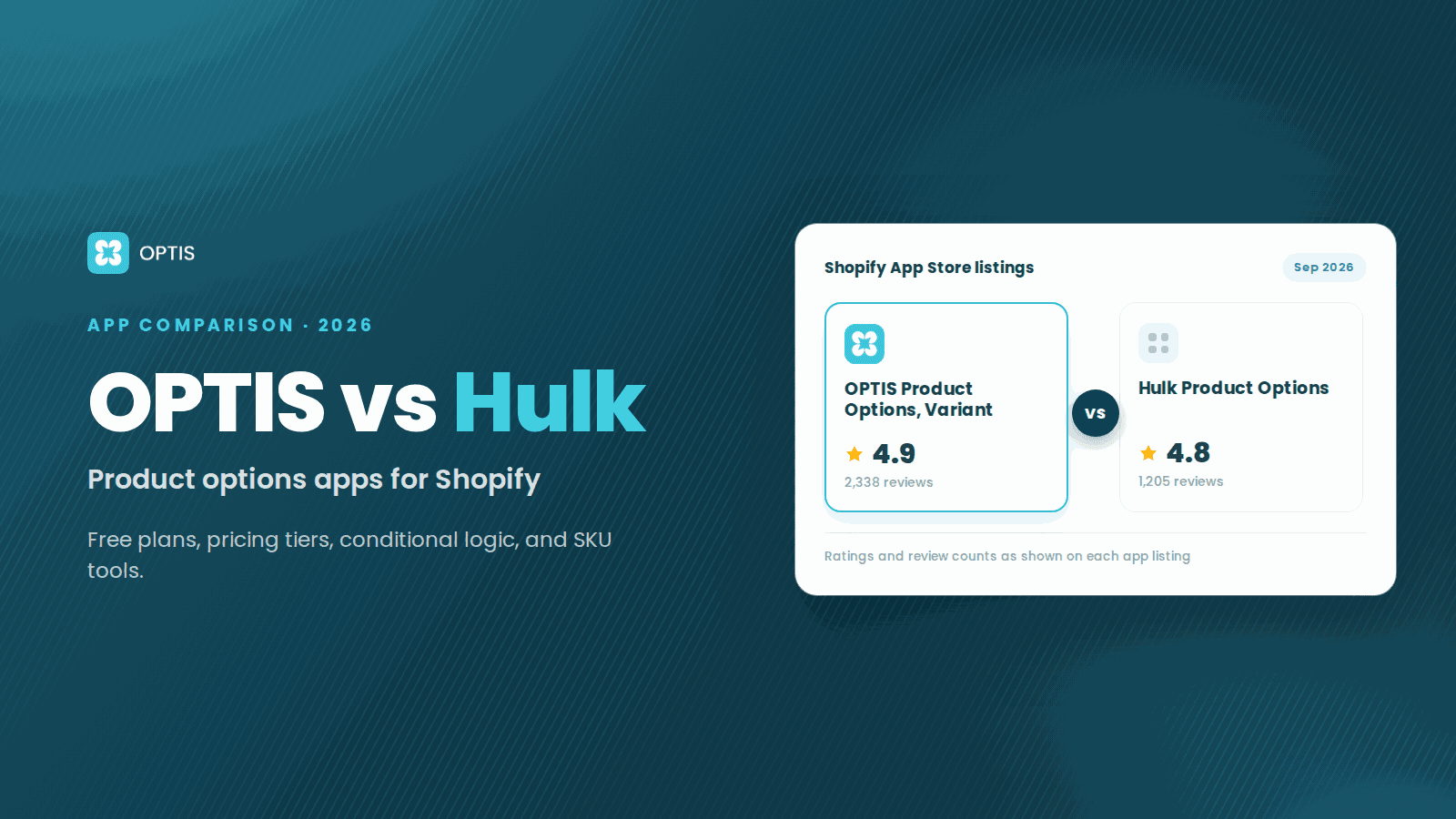
OPTIS vs Hulk Product Options (2026 Comparison)
OPTIS vs Hulk Product Options for Shopify (2026): free plans, pricing tiers, conditional logic, SKU tools, and which app fits your store, from live listings.
8 min read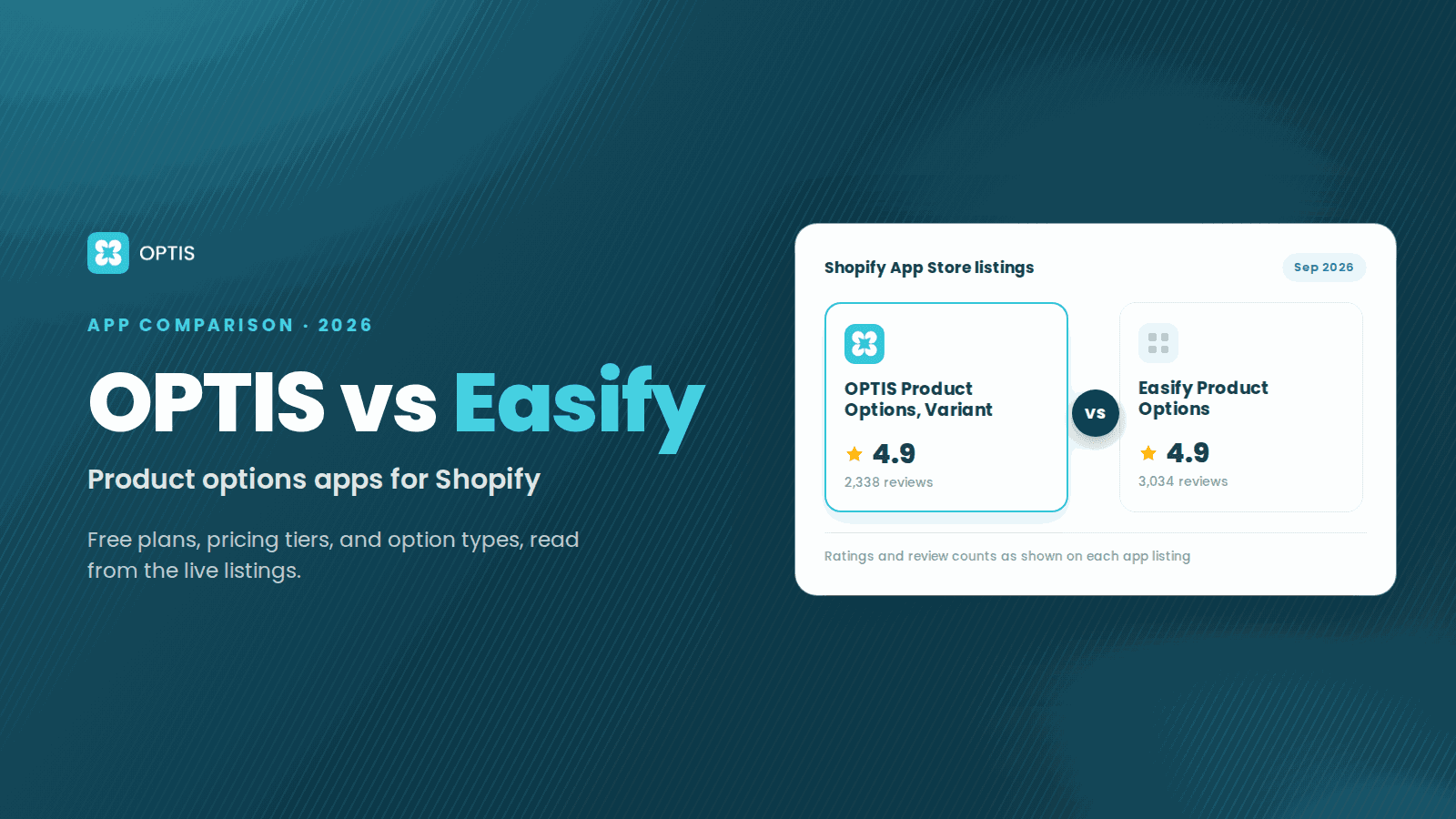
OPTIS Product Options vs Easify (2026 Comparison)
OPTIS vs Easify Product Options for Shopify (2026): free plans, pricing tiers, option types, and where each app fits best, from the live App Store listings.
7 min read