
Shopify Product Personalization Playbook (2026)

Shopify product personalization means letting shoppers customize a product on the page: engraving names, uploading photos, picking fonts, choosing materials with price add-ons, before adding to cart. Native Shopify variants cannot handle this (variants are fixed combinations, not free input). Merchants solve it with a product options app like OPTIS Product Options, Variant, which adds text inputs, file uploads, color and image swatches, conditional logic, and live preview. Common use cases: jewelry engraving, custom apparel, gift personalization, made-to-order furniture, print on demand.
At a glance
- What personalization means
- Shopper-entered input (text, image, choices) that customises a product before purchase
- Why native variants can't do it
- Variants are pre-defined combinations - they cannot accept free text, file uploads, or conditional logic
- Solution
- A product options app that adds custom fields as line-item properties
- Recommended app
- OPTIS Product Options, Variant - free tier, 50,000+ installs, 4.9★
- Personalization types covered
- 8 (text, file, image swatch, colour picker, font picker, date, conditional, price add-ons)
- Setup time
- ~30 minutes for a standard configuration
- Disclosure
- We make OPTIS. Comparison section below names where alternatives fit better.
- Last updated
- September 2026
In this article
Who this is for: 5 store archetypes
Five archetypes cover the realistic personalization space. Find yours, then pick the option types you actually need from Section 2 onward.
| Store type | Typical personalization need | Key option types used |
|---|---|---|
| Jewellery / accessories | Engraving, font choice, metal selection | Text input, font picker, image swatch |
| Custom apparel | Name / number, colour choice, team kit | Text input, colour swatch, conditional logic |
| Gift / occasion | Personal message, gift wrap, delivery date | Text input, date picker, conditional logic |
| Made-to-order furniture | Custom dimensions, material, finish | Text input, image swatch, price add-ons |
| Print on demand | Artwork upload, text caption | File upload, text input, font picker |
The personalization gap in native Shopify
Native Shopify variants do a finite matrix of pre-defined combinations well: Size -- Colour -- Material, each with its own SKU, price, weight, and inventory. As of October 2025 the cap is 2,048 variants per product (3 option axes maximum). See our Shopify 100 variant limit guide for the full breakdown.
Variants do not, and structurally cannot, handle personalization. Personalization is shopper-entered free input. Variants are predefined finite values.
| Capability | Native Shopify variants | OPTIS Product Options |
|---|---|---|
| Fixed option values (S/M/L) | Yes | Yes |
| Free text input (engraving, message) | No | Yes |
| File upload (artwork, photo) | No | Yes |
| Conditional logic | No | Yes (nested) |
| Price add-ons per option value | Workaround only | Yes (tiered) |
| Font / colour picker | No | Yes |
| Date picker | No | Yes |
| Live preview | No | Yes |
| 4th, 5th, 6th option axis | No (max 3) | Yes |
The 8 personalization types that cover 95% of merchant needs
Most merchants need 2-4 of these types per product. Browse the list and pick the ones that match the archetype above.
1. Text input
Used for engraving text, monograms, custom messages, and order notes. The most common personalization type. Set a max character length and required/optional flag. Often paired with a font picker.
2. File upload
Shopper uploads an image, logo, or document that is processed to create the product (custom photo print, branded merchandise, custom artwork). Set accepted file types and max file size. Requires the Advanced plan or higher on OPTIS.
3. Image swatch
Visual swatch showing material, finish, fabric, or pattern options. Shopper picks from a set of images rather than text labels. More effective than colour swatches for products where visual texture matters (wood grain, fabric weave). See our color swatches guide for swatch-specific setup.
4. Colour picker
Free-form hex colour picker (or a curated set of hex swatches) for products where the shopper selects a specific colour that is then used in production (custom signage, painted items, embroidery thread).
5. Font picker
Shopper selects a font from a curated list. Used with text input for engraving and monogram products. Pairs with live preview so shoppers see their choice rendered on the product image in real time.
6. Date picker
Shopper selects a date. Used for delivery scheduling, event-specific products (birthday cakes, anniversary gifts), or communicating made-to-order lead time.
7. Conditional logic
Show or hide options based on prior selections. Classic example: show Engraving text field only if Add engraving checkbox is checked. Prevents option clutter on products with optional upgrades. OPTIS supports nested conditional logic (a condition on a condition).
8. Price add-ons
Certain option values carry an additional price. Example: Add gift wrap (+$4.00), Upgrade to sterling silver (+$15.00). The add-on price displays at the option level and updates the cart total. OPTIS supports tiered add-ons (different prices for different option values within the same option).
30-minute setup playbook: 12-step checklist
Tested on a Dawn 14 store with 20 pilot products. The 30 minute estimate includes planning, configuration, and verification.
- 5 min
- Phase 1: planning
- 15 min
- Phase 2: configure
- 10 min
- Phase 3: test + publish
- 30 min
- Total
From install to live on first product
Phase 1: Before you open the app (5 minutes)
- List the products that need personalization (start with your top 5 by revenue).
- For each product, write down what the shopper needs to enter, whether any options should only appear conditionally, and whether any options carry a price add-on.
- Check whether any products already have variants that would conflict with the new options (e.g. a variant called Engraved that will become redundant).
Phase 2: Configure the app (15 minutes)
- Install OPTIS Product Options, Variant from the Shopify App Store. The free plan covers 10 option sets and 10+ option types: enough to test end to end.
- Create a new option set from a template that matches your store type (Jewellery, Apparel, Gifts, Furniture, or POD).
- Add each option type. For text inputs set max character length; for file uploads set accepted file types; for swatches map each value to a hex or image.
- Set conditional logic rules. Identify which options should be conditional and configure the show/hide rules.
- Set price add-ons. For each option value that carries a surcharge, enter the add-on price.
- Mark required fields as required. OPTIS prevents add-to-cart if a required field is empty.
Phase 3: Test and publish (10 minutes)
- Assign the option set to your pilot products.
- Open the product page on the storefront and verify: all fields render, conditional logic fires correctly, price add-ons update the cart total, required-field validation works.
- Place a test order and verify personalization data appears in the cart, order confirmation email, and Shopify admin order detail.
- Publish to all target products.
5 merchant case patterns
One pattern per archetype from Section 1. Each case is a realistic configuration, not a real brand.
Case 1: Jewellery store - engraving plus font picker
Store type: Online jewellery retailer, 200 SKUs, primarily rings and pendants.
Need: Shoppers engrave names or dates; choice of 4 fonts; optional +$8 premium font.
Setup: Text input (max 20 chars) plus font picker (4 options) plus price add-on for premium font plus conditional logic (font picker shows only if text input is not empty).
Recommended plan: OPTIS Advanced ($9.99/mo) for unlimited option sets, price add-ons, and conditional logic.
Case 2: Custom apparel store - name and number plus colour
Store type: Sports team apparel, B2B and B2C, 50 SKUs.
Need: Player name, player number, team colour selection.
Setup: Text input (name, max 15 chars) plus text input (number, numeric only) plus colour swatch (team colours mapped to hex).
Recommended plan: OPTIS free tier (if 10 or fewer option sets) or Advanced.
Case 3: Gift store - message plus conditional gift wrap
Store type: Online gift store, seasonal focus, 80 SKUs.
Need: Personal message, optional gift wrap, optional delivery-date selection.
Setup: Text input (message, max 100 chars) plus checkbox (add gift wrap) plus conditional file upload (custom photo, shown only if gift wrap is selected) plus date picker (delivery date).
Recommended plan: OPTIS Advanced ($9.99/mo) for conditional logic and the file upload field.
Case 4: Made-to-order furniture - dimensions plus material
Store type: Custom-built furniture, 30 SKUs, made-to-order lead times.
Need: Custom width/height/depth in cm, material choice with tiered pricing, finish picker with image swatches.
Setup: Three Number fields (W/H/D) plus dropdown for material with tiered add-ons (oak +$0, walnut +$120, teak +$280) plus image swatch for finish.
Recommended plan: OPTIS Advanced or Platinum.
Case 5: Print on demand - artwork upload plus text caption
Store type: POD apparel and accessories, 100 SKUs, multi-fulfilment.
Need: Artwork file upload (PNG/SVG), optional caption text, font picker.
Setup: File upload (PNG, SVG, max 10MB) plus text input (caption, max 30 chars) plus conditional font picker (shown only if caption text is not empty).
Recommended plan: OPTIS Advanced (file upload and conditional logic) or Platinum (up to 20 file uploads).
Why personalization is worth the setup time
Personalization tends to lift average order value (shoppers add premium options and upsell add-ons), lift conversion on the personalized SKUs (the item feels uniquely theirs), and reduce returns (the shopper participated in the design, so the product matches expectation). The exact uplift varies widely by category and execution, so treat any single percentage you read online with caution and measure your own before-and-after. The practical takeaway: even one well-priced personalization SKU often covers the app cost quickly, because the add-on revenue lands on orders you were already getting.
- Higher AOV: shoppers add premium options or upsell add-ons (gift wrap, engraving, premium fonts)
- Higher conversion: personalized items feel uniquely theirs, reducing cart abandonment
- Lower returns: shopper-spec'd products match expectation
- Repeat purchase signal: personalization data captures preferences for future targeting
- Operational lift: production team needs to read line-item properties from each order
- Risk of error if upstream teams do not have a way to surface personalization fields in their workflow (POS, packing slip, fulfilment integrations)
- Pricing model: a paid tier (OPTIS Advanced for file upload, Platinum for up to 20 uploads) is needed for image-heavy use cases
Common alternatives and where they fit
OPTIS is the default we recommend (we make it). Worth knowing where other tools genuinely fit better:
- EasyFlow Product Options is easier for a non-developer first install and has the cleanest conditional-logic UI we tested. If ease of setup matters more than feature count, start there.
- Easify Product Options has the most generous free tier by raw item count (unlimited option items). Strong fit for price-sensitive stores starting out.
- Globo Product Options is the strongest pick for large catalogs (500+ products) needing CSV bulk-assign of option sets.
- Zakeke Product Configurator is the only choice if you need real-time 3D or AR product visualisation; everything in this article assumes a 2D personalization model.
- Full breakdown of all six in our best Shopify product options apps 2026 review.
Common questions
What is product personalization in Shopify?
Product personalization in Shopify means letting shoppers customize a product on the page before purchase: engraving text, uploading a photo, picking a font or colour, choosing a delivery date, or adding premium upgrades that carry an extra price. The customization data attaches to the order as line-item properties so production and fulfilment teams see what to make.
Can I do product personalization with native Shopify variants?
No, not for free-input personalization. Variants are predefined combinations (Size -- Colour -- Material) with a hard cap of 3 option axes and 2,048 combinations. They cannot accept free text, file uploads, conditional logic, or font/colour pickers. For those, install a product options app. See our Shopify 100 variant limit guide for details on what variants can and cannot do.
Which Shopify app is best for product personalization?
For most stores, OPTIS Product Options, Variant is the recommended default: Built-for-Shopify certified, 20+ option types, free tier covering 10 option sets, 50,000+ installs. If ease of first-install matters more, EasyFlow is the runner-up. Full comparison in our best product options apps roundup.
How long does it take to set up product personalization on Shopify?
About 30 minutes from install to live on the first product, using the 12-step playbook above. Phase 1 is 5 minutes of planning, Phase 2 is 15 minutes of app configuration, Phase 3 is 10 minutes of testing and publishing. Scaling to additional products takes a few minutes each since option sets can be reused across hundreds of products.
Does product personalization affect store performance?
Built-for-Shopify apps like OPTIS use Theme App Extensions, loaded asynchronously, with no critical-render-path impact, so the performance cost on a well-built theme is minimal. Performance regressions are usually caused by non-BFS apps that inject render-blocking scripts. Always check Lighthouse before and after installing any app.
Can shoppers see a live preview of their personalization?
Yes, with apps that support live preview. OPTIS renders image swatches and colour swatches with live preview on the product image. Font picker live preview is available on the Advanced plan and above. The native Shopify variant picker does not support live preview because variants are predefined, not shopper-entered.
Next steps
Pick the archetype that fits your store, decide which of the 8 personalization types you need, then follow the 30-minute playbook. The free OPTIS Product Options plan covers 10 option sets and 10+ option types: enough to validate the integration on a pilot collection before upgrading.
If you would rather have our team scope the option-set configuration for your catalog and theme, talk to the OPTIS team.
Keep reading
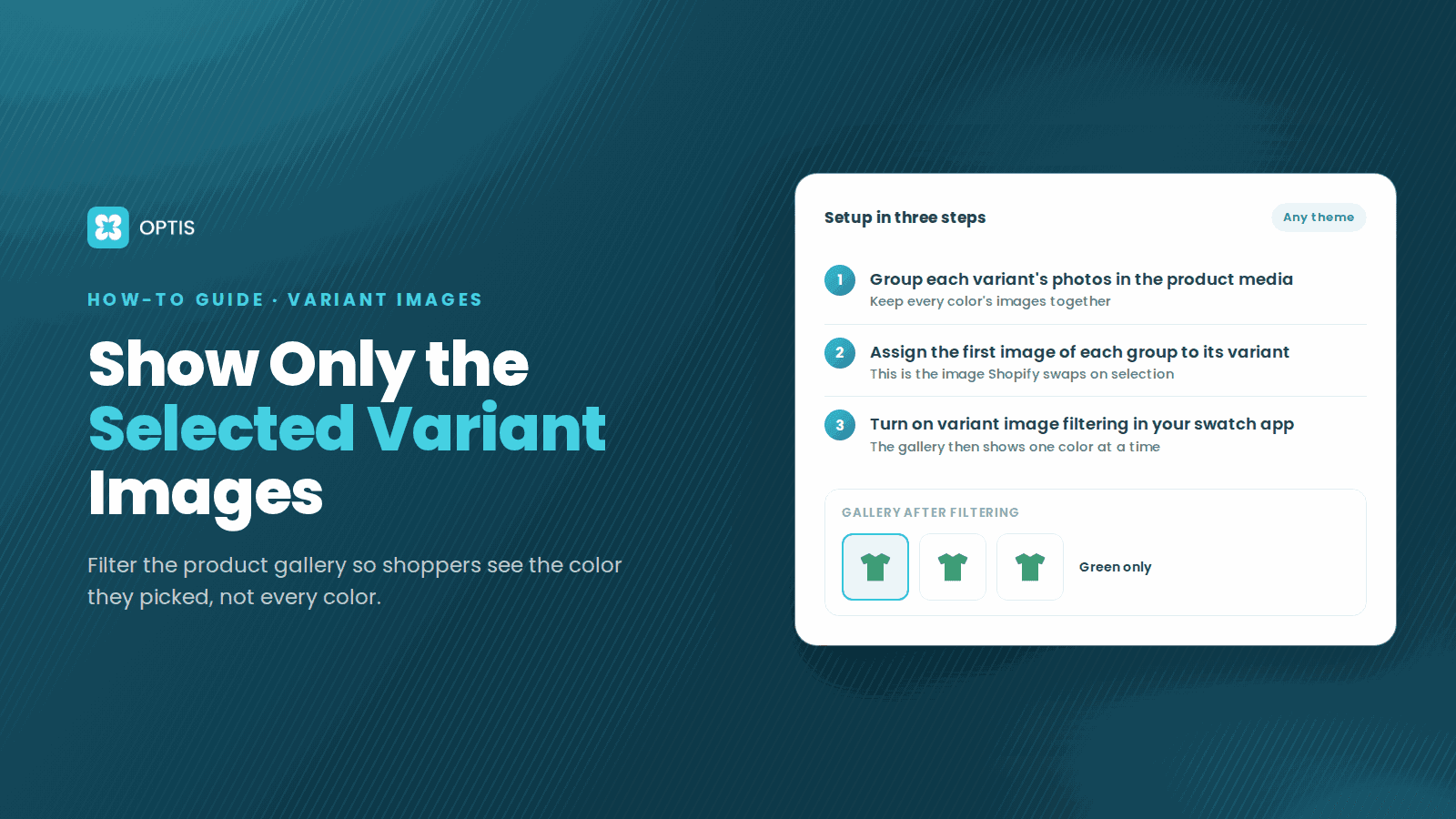
How to Show Only Selected Variant Images on Shopify
Shoppers pick Red but still scroll past blue photos? Learn how Shopify variant images work, what Dawn hides natively, and how to filter the gallery by variant.
8 min read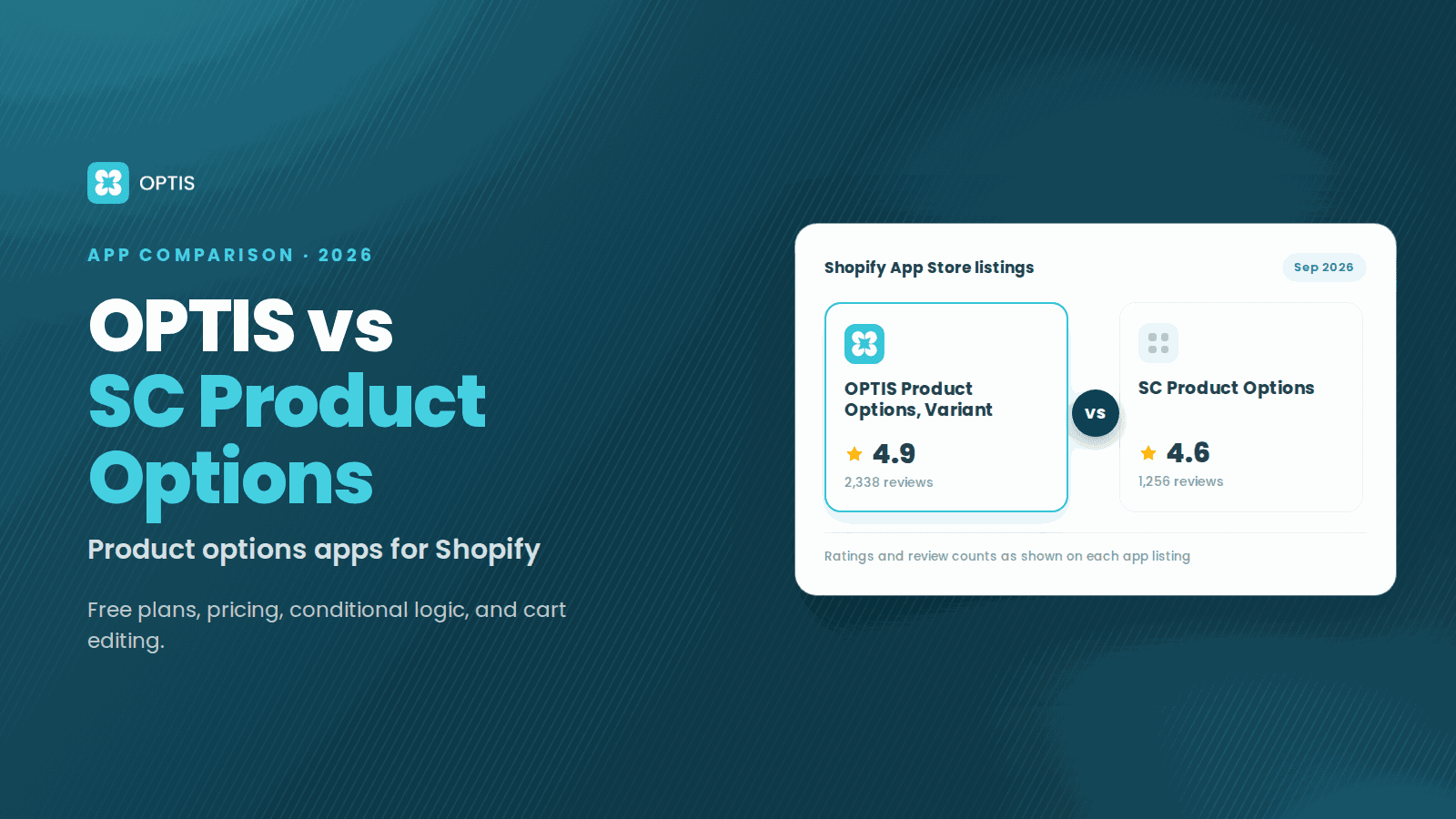
OPTIS vs SC Product Options (2026 Comparison)
OPTIS vs SC Product Options for Shopify (2026): free plans, pricing, conditional logic, cart editing, and which app fits your store, from live listings.
8 min read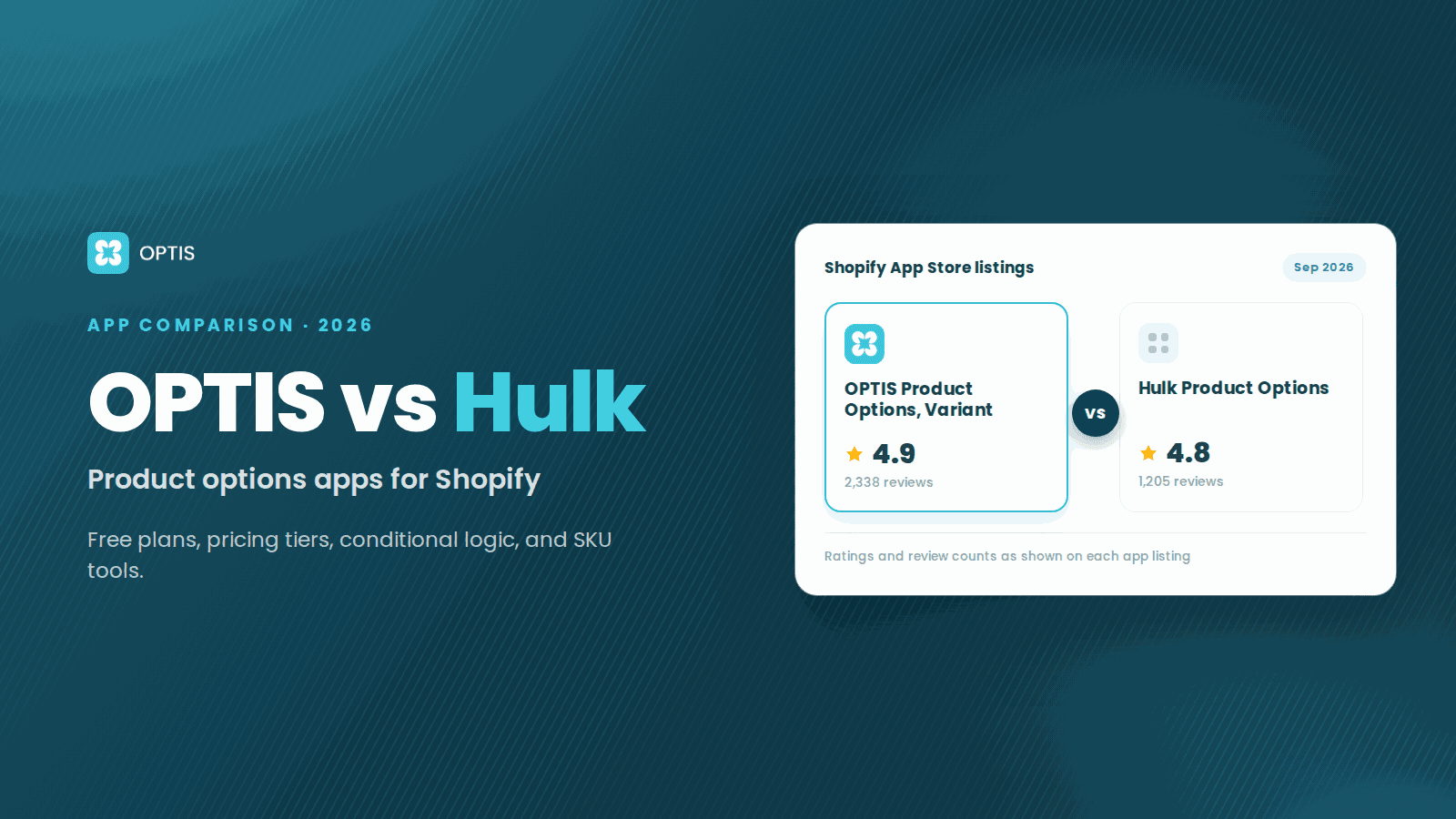
OPTIS vs Hulk Product Options (2026 Comparison)
OPTIS vs Hulk Product Options for Shopify (2026): free plans, pricing tiers, conditional logic, SKU tools, and which app fits your store, from live listings.
8 min read