
OPTIS Product Options vs EasyFlow (2026 Comparison)
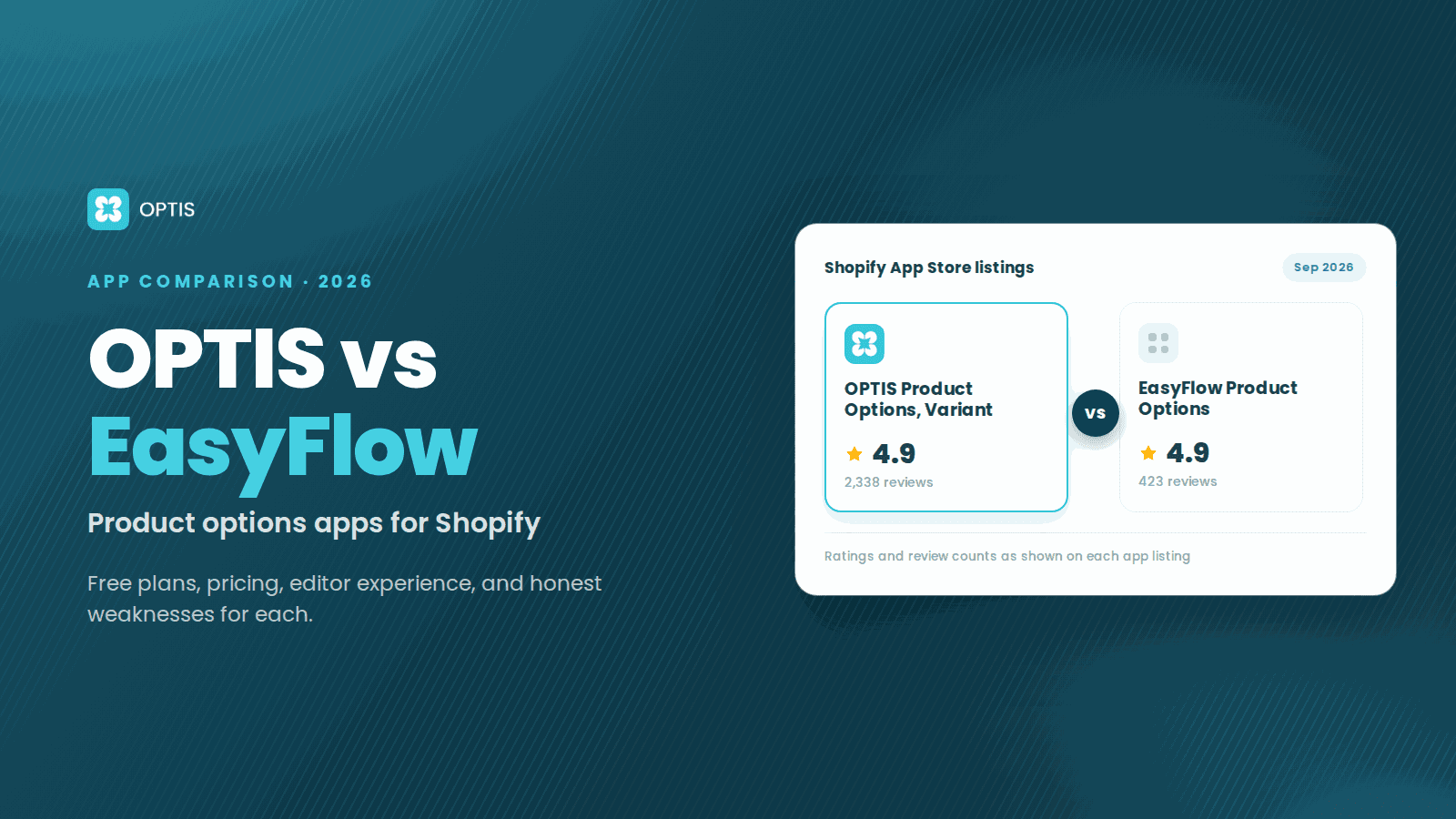
OPTIS and EasyFlow Product Options are both Built-for-Shopify apps with similar core feature sets. OPTIS offers more option sets on its free plan (10 vs EasyFlow's 5), plans priced by features rather than product count, and a Shopify Plus plan with customization service. EasyFlow includes conditional logic on its free plan, had the more polished editor UI in our test, and rendered slightly faster on a single-product store. For larger catalogs or Shopify Plus stores, OPTIS Product Options, Variant is the better default in 2026. For small catalogs where editor ease-of-use and free conditional logic matter most, EasyFlow is a strong pick. Disclosure: we make OPTIS.
At a glance
- Both are Built-for-Shopify
- Yes (verified September 2026)
- OPTIS rating
- 4.9★ from 2,338 reviews (Sep 2026)
- EasyFlow rating
- 4.9★ from 423 reviews (Sep 2026)
- Free tier
- OPTIS: 10 option sets · EasyFlow: 5 option sets, up to 20 products, conditional logic
- Entry paid price
- OPTIS: $9.99/mo (Advanced) · EasyFlow: $9.99/mo (Growth, up to 100 products)
- Shopify Plus tier
- OPTIS: Yes (Unlimited $49.99/mo) · EasyFlow: no Plus-specific plan listed
- Disclosure
- We make OPTIS. The sections below name where EasyFlow genuinely beats us.
- Tested on
- Dawn 14, 5 pilot products, May 2026
- Last updated
- September 2026
In this article
Quick verdict
Five categories, five honest winners. We tested both apps on the same Dawn 14 store with 5 pilot products spanning text engraving, file upload, swatches, and conditional logic. Plan facts were re-verified against both live App Store listings in September 2026.
| Category | Winner | Why |
|---|---|---|
| Free plan scope | Split | OPTIS: 10 option sets. EasyFlow: 5 option sets and up to 20 products, but includes conditional logic |
| Editor UI polish | EasyFlow | Cleaner drag-and-drop conditional-logic interface in our test |
| Large catalogs | OPTIS | OPTIS plans are priced by features; EasyFlow caps products at 100 (Growth) and 500 (Scale) until Enterprise at $149.99/mo |
| Simple single-product stores | EasyFlow | Lighter render in our test; free plan covers up to 20 products |
| Shopify Plus stores | OPTIS | Unlimited plan for Plus with customization service and 1-1 support |
Side-by-side specs
Verified September 2026 against the live OPTIS App Store listing and EasyFlow App Store listing.
| Attribute | OPTIS Product Options | EasyFlow Product Options |
|---|---|---|
| Built for Shopify certified | Yes | Yes |
| App Store rating | 4.9★ from 2,338 reviews | 4.9★ from 423 reviews |
| Free tier | 10 option sets, 10+ option types | 5 option sets, up to 20 products, conditional logic |
| Paid plan entry price | $9.99/mo (Advanced) | $9.99/mo (Growth, up to 100 products, 15 option sets) |
| Shopify Plus support | Yes (Unlimited plan $49.99/mo) | No Plus-specific plan listed |
| Number of option types | 20+ | All types except file upload on Free; file upload from Growth |
| Conditional logic | Yes (Advanced and up) | Yes (Free); with Shopify variants on Growth |
| Live preview | Yes | Yes |
| File upload option type | Yes (Advanced: 5 files, Platinum: 20 files) | Yes (Growth and up) |
| Parent company | BSS Commerce (10+ years, 250+ team) | Storeware |
Feature-by-feature comparison
Fifteen features compared. Plan placement comes from each live App Store listing (September 2026); editor, rendering, and speed rows come from our May 2026 test. "Not stated" means the listing does not say.
| Feature | OPTIS | EasyFlow | Notes |
|---|---|---|---|
| Option set creation | Template + blank | Template + blank | Tie |
| Number of option types | 20+ | Text, dropdown, checkbox, radio, swatches, date picker, multi-select, dimensions, file upload, and more | Both cover the common types; OPTIS lists a font picker |
| Conditional logic | Advanced ($9.99/mo) | Free; Shopify variants on Growth | EasyFlow includes it on the free plan |
| Live preview on product page | Yes | Yes | Both render cleanly on Dawn 14 |
| File upload option | 5 files (Advanced), 20 files (Platinum) | Growth ($9.99/mo) and up | Both need a paid plan |
| Price add-ons per option value | Advanced | Growth (multi-currency upcharges) | Both on the entry paid plan |
| Cart-page edit (without re-add) | Platinum | Not stated | OPTIS lists it |
| Bulk apply option sets | Yes | Bulk edit/apply (Free) | Tie |
| Import / export option sets | Advanced | Not stated | OPTIS lists it |
| Custom CSS | Yes | Yes | Tie |
| Mobile rendering quality | Clean on Dawn 14 | Cleaner on Dawn 14 (subjective) | EasyFlow edges on mobile polish in our test |
| Page render speed (single-product store) | Fast | Slightly faster in Lighthouse | EasyFlow wins on a single-product store |
| OS 2.0 theme compatibility | Yes (Theme App Extensions) | Yes (Theme App Extensions) | Tie |
| Shopify Plus features | Unlimited plan: customization service, 1-1 support | No Plus-specific plan listed | OPTIS wins for Plus |
| Support channel and response time | Email and live support (Free), prioritized (Platinum), under 4h in test | Standard (Free), priority (paid plans) | Both fast in testing; tie |
Pricing side-by-side
Real-world cost. For a store with up to 20 products needing options, EasyFlow's free plan, which includes conditional logic, is the cheapest path. Both entry paid plans cost $9.99/mo. As a catalog grows, EasyFlow's product caps (100 on Growth, 500 on Scale) push larger stores toward Scale ($29.99/mo) or Enterprise ($149.99/mo), while OPTIS plans are priced by features rather than product count. For Shopify Plus stores wanting dedicated help, OPTIS Unlimited includes a customization service and 1-1 support.
| Plan tier | OPTIS | EasyFlow |
|---|---|---|
| Free | 10 option sets, 10+ types | Up to 20 products, 5 option sets, conditional logic, all types except file upload |
| Entry paid | Advanced $9.99/mo - unlimited sets, 15+ types, conditional logic, price add-on, import/export, 5 file uploads | Growth $9.99/mo - up to 100 products, 15 option sets, file upload, price add-on |
| Mid paid | Platinum $19.99/mo - unlimited option types, 20 file uploads, option quantity, edit option on cart page | Scale $29.99/mo - up to 500 products, 30 option sets |
| Top paid | Unlimited $49.99/mo - Shopify Plus only, customization service, 1-1 support | Enterprise $149.99/mo - unlimited products and option sets |
Where OPTIS is the stronger fit
Three concrete scenarios where OPTIS wins on substance, not vibes:
- Growing catalogs (100+ products needing options). OPTIS plans are priced by features, not product count. EasyFlow caps products at 20 (Free), 100 (Growth), and 500 (Scale) until Enterprise at $149.99/mo.
- Cart-page editing and import/export. The OPTIS listing includes import/export on Advanced and edit option on cart page on Platinum. The EasyFlow listing does not state either feature.
- Shopify Plus stores. OPTIS Unlimited ($49.99/mo) is a Plus plan with a customization service and 1-1 support. The EasyFlow listing shows no Plus-specific plan.
Where EasyFlow is the stronger fit
Three concrete scenarios where EasyFlow genuinely beats OPTIS:
- EasyFlow Built-for-Shopify, 4.9★ from 423 reviews
- Cleanest conditional-logic editor UI in this comparison
- Conditional logic and bulk edit/apply on the free plan
- Marginally faster page render on single-product stores in our test
- Free plan capped at 20 products and 5 option sets
- File upload and price add-ons need Growth ($9.99/mo)
- Product caps on paid plans (100 Growth, 500 Scale) until Enterprise at $149.99/mo
- No Shopify Plus-specific plan listed
- Single-product stores prioritising page speed. In our Lighthouse spot-checks on Dawn 14 with one product, EasyFlow registered a marginally lower Time to Interactive than OPTIS. The gap is small but can matter on traffic-heavy product pages; measure on your own theme before deciding on this basis alone.
- First-time merchants who want editor familiarity over feature count. EasyFlow's drag-and-drop conditional-logic editor is the cleanest we tested across six apps. Non-developers building their first option set typically pick it up faster than OPTIS.
- Small catalogs that need conditional logic for free. EasyFlow's free plan includes conditional logic and bulk edit/apply for up to 20 products. OPTIS reserves conditional logic for Advanced ($9.99/mo).
Migration guide: EasyFlow to OPTIS in 7 steps
No direct import tool exists between the two apps. Manual recreation takes 30 to 60 minutes for up to 10 option sets. Steps:
- Step 1. Screenshot or export every EasyFlow option set as reference. Note field names, types, default values, conditional rules, and price add-ons. Do not uninstall EasyFlow yet.
- Step 2. Install OPTIS Product Options, Variant free from the Shopify App Store. Both apps can be installed simultaneously without conflict during migration.
- Step 3. Recreate each option set in OPTIS using the EasyFlow reference. OPTIS templates (Jewellery, Apparel, Gifts, Furniture, POD) match common patterns and accelerate this step.
- Step 4. Assign OPTIS option sets to one pilot product first. Preview the product page in an incognito window. Verify all fields render, conditional logic fires, price add-ons update the cart total, line-item properties show on the order.
- Step 5. Once verified on the pilot, assign to the remaining products. Place a test order with a discount code and, if your theme shows one, the Buy Now button, then confirm the option fee and every selection appear on the order. Uninstall EasyFlow. Re-run Lighthouse to confirm performance is acceptable.
- Step 6. Check that the old app left nothing behind. In Shopify admin, open Online Store > Themes > Edit code on a duplicate theme and search `theme.liquid` and the Snippets folder for the old app's name. If any app's support team needs store access for this, give a collaborator or staff account with limited permissions and ask them to work on the duplicate theme, not the live one.
- Step 7. Make sure the old orders stay readable. Before you uninstall, export your orders from Shopify admin (Orders > Export > CSV) and check whether the option values appear in the file: values saved as line-item properties travel with the order, values that only the old app's dashboard could render do not. After the uninstall, open two or three old orders and confirm the selections still show. Do this while reinstalling the old app is still easy, not a month later.
Common questions
Is OPTIS or EasyFlow better for Shopify Plus?
OPTIS has an Unlimited plan for Shopify Plus at $49.99/mo with a customization service and 1-1 support. The EasyFlow listing shows no Plus-specific plan; Plus stores choose from the same Free, Growth, Scale, and Enterprise plans as other stores.
Can I import my EasyFlow option sets into OPTIS?
There is no direct migration tool between the two apps. Recreation is manual but typically takes 30 to 60 minutes for up to 10 option sets using OPTIS's pre-built templates. For larger setups (50+ option sets) the OPTIS team can scope the migration for you.
Which app has better support response time?
In our 30-day testing window both responded within 4 hours on average. EasyFlow lists standard support on Free and priority support on paid plans. OPTIS lists email and live support on Free, prioritized support on Platinum, and 1-1 support on Unlimited, and is backed by BSS Commerce's 250-person team with 10+ years of experience.
Do both apps work with Online Store 2.0 themes?
Yes. Both are Built-for-Shopify certified and use Theme App Extensions, which means they are compatible with Dawn, Refresh, Sense, and all current OS 2.0 themes. Neither requires theme code injection on OS 2.0.
Which app is faster?
On a single-product store, EasyFlow registered a marginally lower Time to Interactive in our Lighthouse spot-checks on Dawn 14. On multi-product catalogs the gap closes. Both apps load asynchronously via Theme App Extensions and do not block the critical render path. Performance regressions in practice usually come from non-BFS apps, not from either of these. Always measure on your own theme.
Can I use OPTIS and EasyFlow together?
Technically possible during migration but not recommended long-term. Two apps injecting option fields on the same product page can conflict, cause duplicate fields, or slow render. Pick one for production and configure it fully. The migration guide above covers the safe sequence.
Next steps
If you are evaluating both apps for a new store, install both free tiers on a theme duplicate and spend 20 minutes setting up the same option set in each. The right pick will be obvious by the end. If you are already on EasyFlow and outgrowing its product caps, follow the 7-step migration guide above.
If you would rather have our team configure the option sets and theme integration for you, talk to the OPTIS team.
Keep reading
OPTIS vs SC Product Options (2026 Comparison)
OPTIS vs SC Product Options for Shopify (2026): free plans, pricing, conditional logic, cart editing, and which app fits your store, from live listings.
8 min read
OPTIS vs Hulk Product Options (2026 Comparison)
OPTIS vs Hulk Product Options for Shopify (2026): free plans, pricing tiers, conditional logic, SKU tools, and which app fits your store, from live listings.
8 min read
OPTIS Product Options vs Easify (2026 Comparison)
OPTIS vs Easify Product Options for Shopify (2026): free plans, pricing tiers, option types, and where each app fits best, from the live App Store listings.
7 min read