
Does OPTIS Work with the Shopify Dawn Theme? (2026)
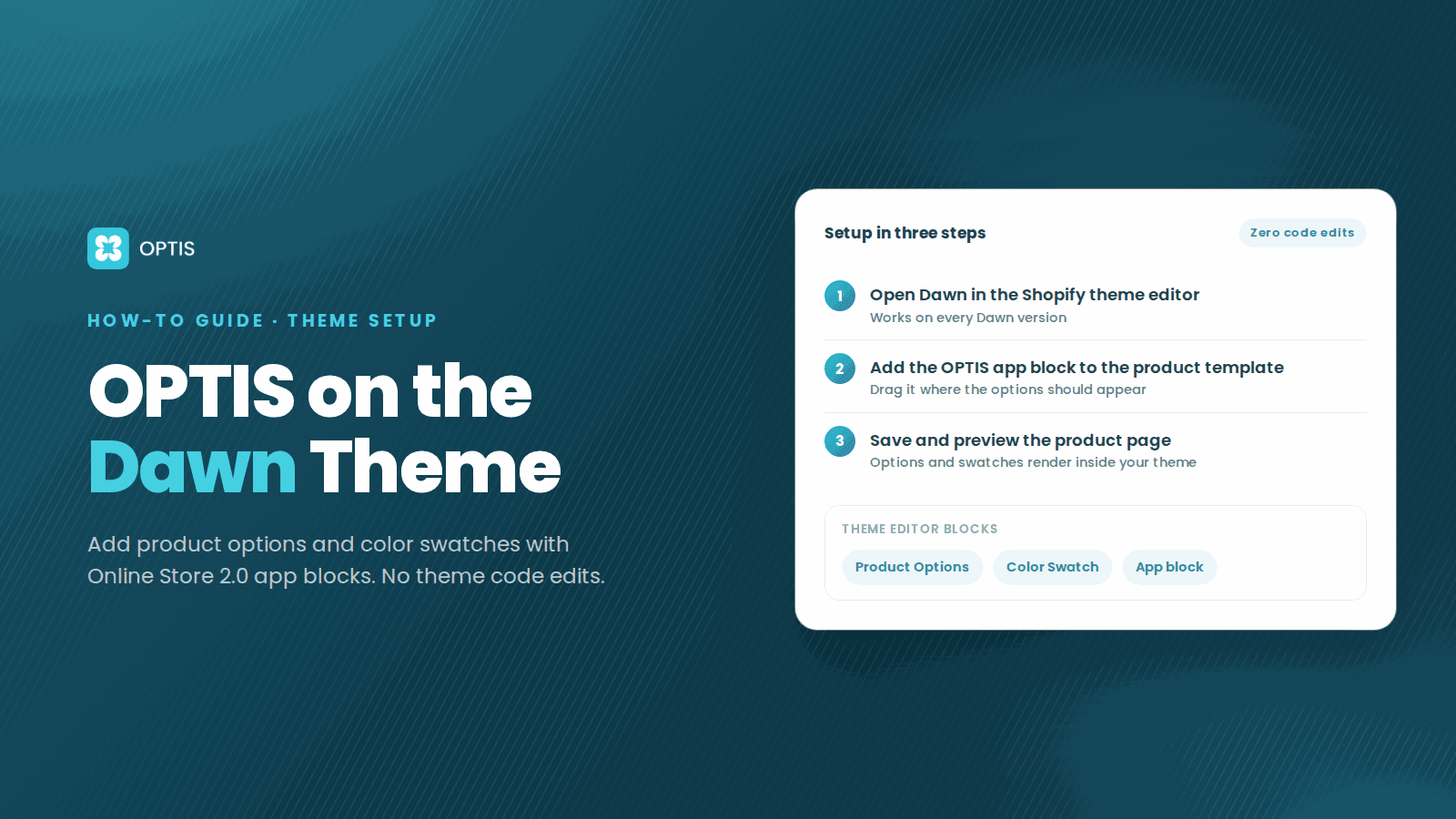
Yes. OPTIS Product Options and OPTIS Color Swatch are fully compatible with Dawn (every version, from the original release to the current 2026 version). Both apps are Built for Shopify and follow the Online Store 2.0 app block standard. Installation requires zero theme code edits: add OPTIS directly via Shopify's theme editor using app blocks.
At a glance
- Compatible with Dawn
- Yes - every version, including the current 2026 release
- OPTIS Product Options
- Compatible via Theme App Extensions
- OPTIS Color Swatch
- Compatible via Theme App Extensions
- Theme code edits required
- None
- Installation method
- Shopify theme editor -> Add block -> select OPTIS
- Built for Shopify standard
- Yes - both apps certified
- Non-Dawn OS 2.0 themes
- Also compatible (Sense, Refresh, Studio, popular third-party themes)
- Last updated
- June 2026
In this article
Why Dawn compatibility matters
OPTIS Dawn theme compatibility is a frequent pre-install question because Dawn is Shopify's default theme and has the largest install base of any Shopify theme. Because Dawn is the default, it is also the baseline against which most merchants make installation decisions: if an app works cleanly on Dawn, it almost always works on other Online Store 2.0 themes too.
Both OPTIS apps are Built for Shopify certified, which requires adherence to the Online Store 2.0 app block standard. App blocks are isolated modules that sit alongside theme sections without touching theme Liquid, CSS, or JavaScript. This means OPTIS does not conflict with any Dawn customisation you have made, and it does not break when you update Dawn to a new version.
3-step setup on a Dawn store
Under 5 minutes from app install to live on the storefront.
- 1
Install OPTIS from the Shopify App Store
Search for OPTIS Product Options, Variant or OPTIS Color Swatch Variants on the Shopify App Store. Click Install. The install takes under two minutes and requires no code access. Product Options installs on its free plan; Color Swatch Variants starts with a 30-day free trial (paid plans from $11.90/month, free on development and trial stores).
- 2
Open the Dawn theme editor
Go to Shopify admin -> Online Store -> Themes -> Customize next to your active Dawn theme. The theme editor opens with your live theme.
- 3
Add the OPTIS app block to the product template
Navigate to the Product template (sidebar Templates dropdown -> Product). Click Add block in the Product information section, then select the OPTIS block from the list. Position the block where you want it to appear on the product page (typically above or below the variant picker). Click Save. OPTIS is now live on your Dawn store.
Theme compatibility table
| Theme | OS Version | Compatible | Notes |
|---|---|---|---|
| Dawn | OS 2.0 | Yes | Every version; recommended default theme |
| Sense | OS 2.0 | Yes | No special setup needed |
| Refresh | OS 2.0 | Yes | No special setup needed |
| Studio | OS 2.0 | Yes | No special setup needed |
| Prestige (third-party) | OS 2.0 | Yes | Standard app block install |
| Impulse (third-party) | OS 2.0 | Yes | Standard app block install |
| Turbo (third-party) | OS 2.0 | Yes | Standard app block install |
| Debut (legacy) | OS 1.0 | Limited | App blocks not available; contact OPTIS support for manual embed |
| Brooklyn (legacy) | OS 1.0 | Limited | App blocks not available; contact OPTIS support for manual embed |
Common questions
Will OPTIS work with theme customisations I have already made to Dawn?
Yes. OPTIS uses app blocks, which are isolated modules in Shopify's theme architecture. App blocks do not touch the theme's Liquid files, CSS, or JavaScript - they sit alongside your customisations independently. You can update Dawn, change colours, rearrange sections, or add other apps without affecting OPTIS, and vice versa.
What if I update Dawn to a newer version - will I need to reinstall OPTIS?
No. App blocks are version-independent: the OPTIS block is tied to your app install, not to a specific Dawn version. When Shopify releases a new Dawn version and you update your theme, the OPTIS app block stays in place. You may need to reposition it if the new Dawn version restructures the product template, but no reinstall is needed.
Does OPTIS work with non-Dawn themes from the Shopify Theme Store?
Yes. Both OPTIS apps are Built for Shopify certified, which means they work with all Online Store 2.0 themes. Sense, Refresh, Studio, Dawn, and the full third-party OS 2.0 theme catalog are supported. If you are using a legacy OS 1.0 theme (Debut, Brooklyn), app blocks are not available - contact OPTIS support for assisted integration.
Does enabling OPTIS slow down a Dawn store?
App blocks via Theme App Extensions load asynchronously and do not block the critical render path, so the performance impact on a well-built theme is minimal. Performance regressions on Shopify are typically caused by non-BFS apps that inject render-blocking scripts. Always re-run Lighthouse before and after installing any storefront app to confirm performance on your specific theme.
Can I install both OPTIS Product Options and OPTIS Color Swatch on the same Dawn store?
Yes. The two apps are designed to work together. Install both via the App Store, add the Product Options block where you want option fields (text, file upload, conditional logic), and add the Color Swatch block where you want visual variant swatches. They do not conflict because each ships its own app block and each handles a different concern.
Where can I see a live demo of OPTIS on Dawn?
The OPTIS team maintains a demo store on Dawn 14 with all option types configured: text input, file upload, color and image swatches, conditional logic, live preview, and combined listings. Email or message the OPTIS team for the demo URL. The store password is `1`.
Next steps
Install OPTIS Product Options, Variant or OPTIS Color Swatch Variants from the Shopify App Store (free plan or 30-day free trial), follow the 3-step setup on your Dawn theme, and you are live in under 5 minutes. No code, no theme edits, no developer required.
If you would rather have our team configure the option sets, colour swatches, or theme integration on your store, talk to the OPTIS team.
Keep reading
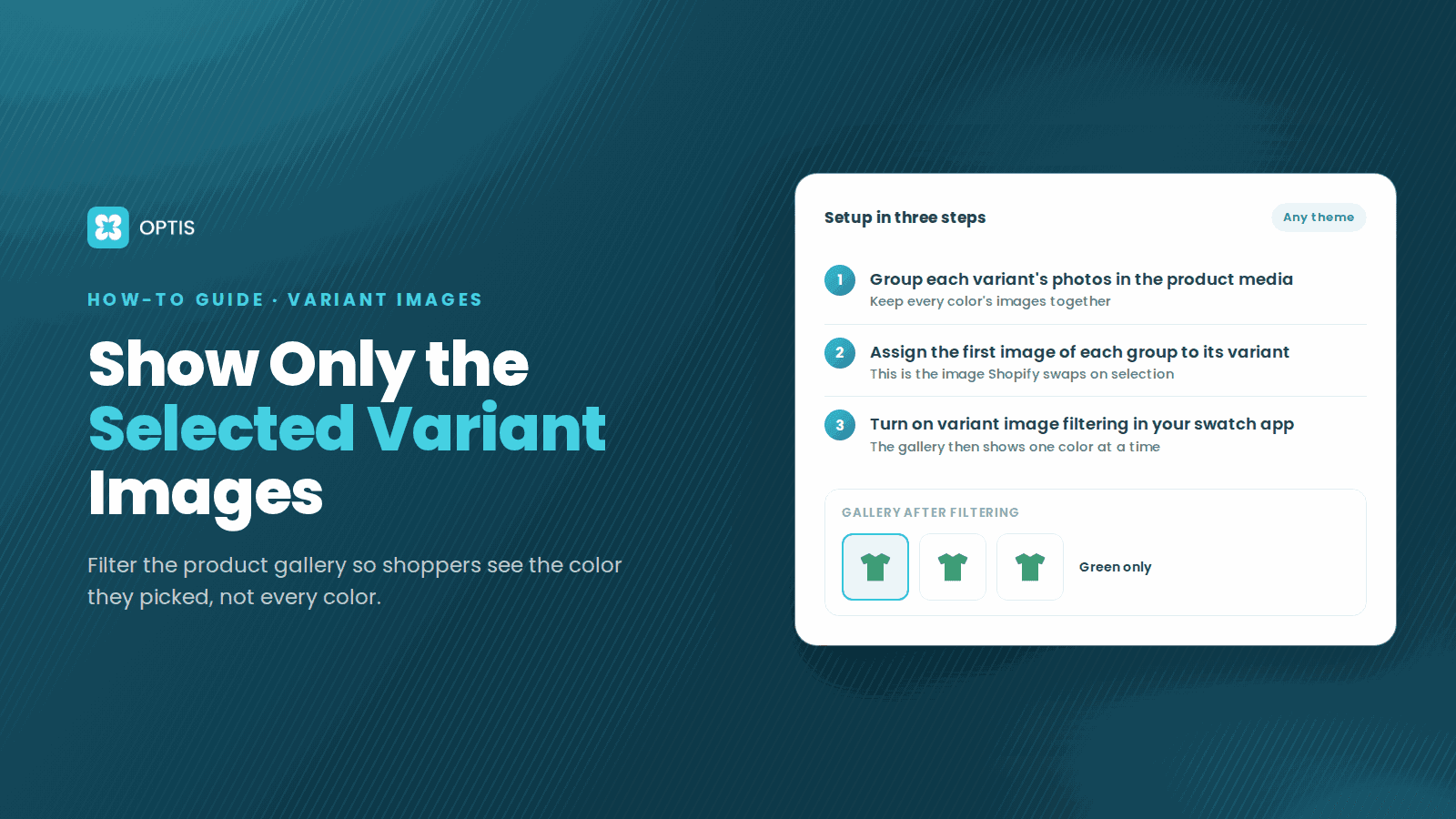
How to Show Only Selected Variant Images on Shopify
Shoppers pick Red but still scroll past blue photos? Learn how Shopify variant images work, what Dawn hides natively, and how to filter the gallery by variant.
8 min read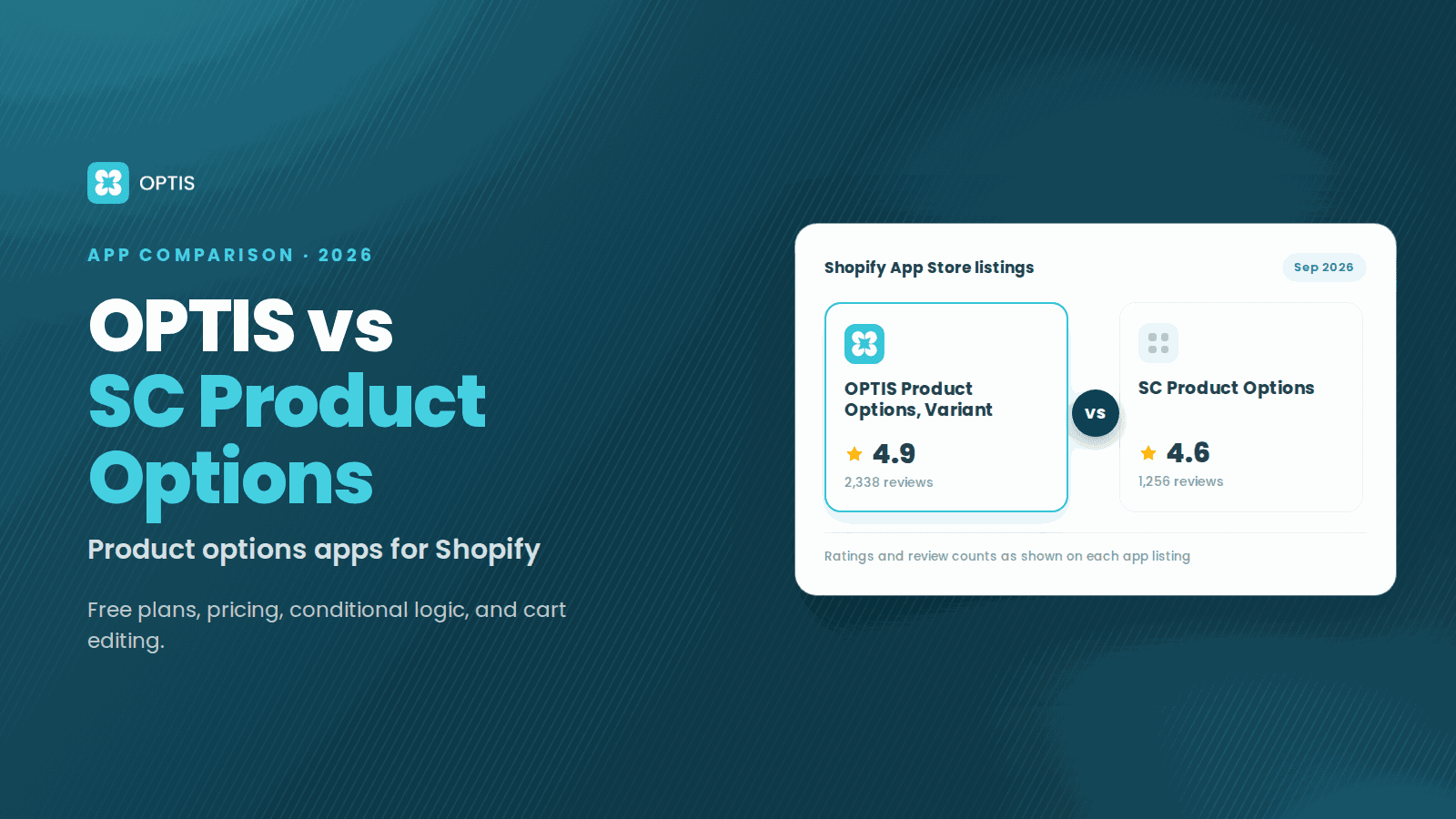
OPTIS vs SC Product Options (2026 Comparison)
OPTIS vs SC Product Options for Shopify (2026): free plans, pricing, conditional logic, cart editing, and which app fits your store, from live listings.
8 min read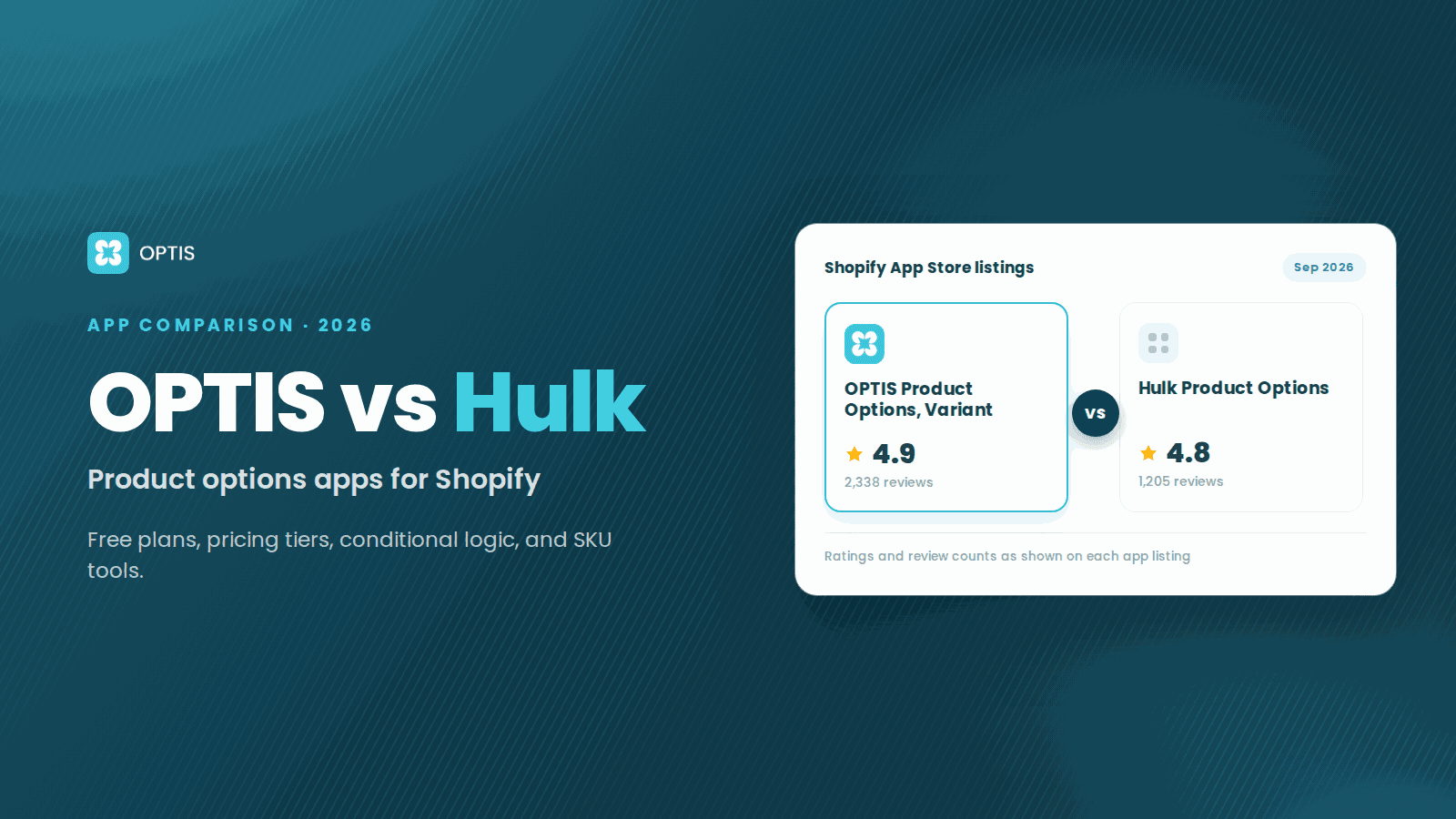
OPTIS vs Hulk Product Options (2026 Comparison)
OPTIS vs Hulk Product Options for Shopify (2026): free plans, pricing tiers, conditional logic, SKU tools, and which app fits your store, from live listings.
8 min read