
How to Add Unlimited Variants on Shopify (Step-by-Step 2026)

Yes. Shopify raised its native variant cap to 2,048 on October 15, 2025, so you can now create up to 2,048 SKU combinations natively without any app. However, native variants still cannot accept free-text input, image uploads, or conditional logic. For those use cases (engraving, personalization, bundling, custom dimensions) install OPTIS Product Options, Variant: create an option set with the fields you need, assign to the product or collection, done in 15 minutes.
At a glance
- Native cap (verified Sep 2026)
- 2,048 variants per product, max 3 option axes, per the Shopify Help Center
- When 2,048 is enough
- Inventoried SKUs under 2,048 with no personalization input needed
- When you still need an app
- Free text, file uploads, conditional logic, 4th+ option axis
- Recommended app
- OPTIS Product Options, Variant (free plan, 50,000+ installs)
- Setup time
- ~15 minutes from install to live on first product
- Works on
- Every Shopify plan: Basic, Shopify, Advanced, Plus
- Full breakdown
- Shopify 100 variant limit guide
- Last updated
- June 2026
In this article
Before you start: 4 prerequisites
This guide is the short, practical answer to how to add more than 100 variants on Shopify without breaking the storefront. Three minutes of planning saves 30 minutes of rework later.
- Active Shopify store on any plan including Basic. OPTIS works on every plan.
- At least one product to test on. It does not have to be a live published product: a draft works.
- Decide whether you need inventory tracked per combination. If yes, keep native variants for the inventoried SKUs; OPTIS adds personalization options on top of them. If no, you can configure OPTIS as a standalone option layer.
- Know your option types in advance. List what inputs customers actually need: text, colour, size, file, date, font. Saves time during configuration.
Six-step setup with OPTIS Product Options
Six steps, 15 minutes wall-clock from install to live.
- 1
Install OPTIS Product Options from the Shopify App Store
Search OPTIS Product Options, Variant on the Shopify App Store and install on the free plan. The free tier covers 10 option sets and 10+ option types: more than enough to validate the workflow before upgrading.
- 2
Create an option set: template or blank
From the OPTIS dashboard, click Create option set. Name it (Engraving Options, Furniture Specs, Gift Wrap). Pick a pre-built template (Personalization, Size + Colour, Bundle) or start blank. Choose the display position on the product page: above native variants, below, or standalone.
- 3
Add option fields
Add the fields you listed in prerequisites. For text inputs set max character length. For dropdowns and radios add the option values. For colour swatches assign hex codes. For file upload set accepted file types and size limit. Mark required fields so OPTIS prevents add-to-cart with empty required values.
- 4
Set conditional logic (optional)
Conditional logic shows or hides fields based on prior selections. Classic example: show the Font dropdown only when the Add engraving checkbox is checked. Open the field, click Conditional logic, set the rule. OPTIS supports nested conditions.
- 5
Assign the option set to products or collections
Open the option set, click Assign, then pick individual products or an entire collection. Collection assignment applies the set to every product in the collection: efficient when scaling to hundreds of products with the same personalization fields.
- 6
Verify on storefront and test add-to-cart
Open the product page on the storefront in an incognito window. Verify all fields render, conditional logic fires correctly, the cart shows option values as line-item properties, and the order confirmation email includes them. Done.
The 8 option types covered by the free plan
Most personalization needs are covered by these 8 types. File upload is the only one that needs a paid tier.
| Option type | Example use case | Free plan? |
|---|---|---|
| Short text input | Customer name for engraving, monogram | Yes |
| Long text input | Gift message, special instructions | Yes |
| Dropdown select | Font style, finish material | Yes |
| Radio button | Size (if not using native variants) | Yes |
| Colour swatch | Paint colour selector, fabric colour | Yes |
| File upload | Customer photo, custom logo, artwork | Advanced ($9.99/mo) or higher |
| Number input | Quantity of sub-item, length in cm | Yes |
| Checkbox | Add gift wrap (+$5), confirm T&Cs | Yes |
Troubleshooting: 3 common issues
| Issue | Likely cause | Fix |
|---|---|---|
| Options not showing on product page | Option set not assigned to this product or collection | OPTIS dashboard -> Option Sets -> Assign -> add the product or collection |
| Product image not updating on swatch click | Theme app embed disabled, or no variant-specific image assigned | Online Store -> Themes -> Customize -> App embeds -> enable OPTIS. Also assign a unique first image per variant in Products -> Media |
| Option values missing from order or packing slip | Line-item property pass-through not enabled | OPTIS settings -> Order Integration -> toggle Pass options to order |
Why the 2,048-variant update did not eliminate this question
Shopify raised the native variant cap from 100 to 2,048 on October 15, 2025. That solved a real problem: stores with large inventoried catalogs (8 sizes x 10 colours x 4 finishes = 320 SKUs) can now manage everything in native variants. But three things did not change:
- The 3-options-per-product cap is unchanged. You can have 2,048 variants but only across 3 option axes. Need a 4th axis like Fit, Length, or Sleeve? Native variants still cannot model that.
- Variants still cannot accept free input. Free-text engraving, image uploads, font picks, conditional logic, live preview: variants are predefined combinations, not shopper-entered fields. No cap increase changes that.
- Operational reality. Maintaining 800+ variants in Shopify admin (bulk editing weights, prices, inventory) is painful even with the Bulk Editor. The practical ceiling for hand-maintained variants sits well below 2,048.
- Full breakdown in our Shopify 100 variant limit guide and the underlying personalization playbook.
Common questions
Does adding a product options app delete my existing native variants?
No. OPTIS runs as an additional layer on top of Shopify's native variant system. Your existing SKUs, inventory levels, and pricing rules on native variants are not touched. OPTIS adds personalization fields that attach to the order as line-item properties, separately from variants.
What is the difference between Shopify's 2,048-variant update and what OPTIS does?
The 2,048 cap increase means more SKU combinations natively (up from 100). OPTIS Product Options solves a different problem: personalization inputs that cannot be variants at all, like engraving text, uploaded photos, custom measurements, and conditional add-ons. Variants are predefined finite combinations; OPTIS adds shopper-entered free input.
Does OPTIS work on the Shopify Basic plan?
Yes. All Shopify plans (Basic, Shopify, Advanced, Plus) are supported. The OPTIS free tier covers 10 option sets and 10+ option types on Basic too: no plan upgrade needed to get started.
Can I add color swatches as part of an option set?
Yes. OPTIS includes Colour Swatch as a built-in option type on the free plan: map each option value to a hex code or upload a swatch image. For dedicated colour-swatch features (variant image swap, collection-page swatches) consider the standalone OPTIS Color Swatch app, covered in our color swatches guide.
What happens to my catalog if I uninstall OPTIS later?
OPTIS uses Theme App Extensions, which means uninstalling removes the app's rendering on the storefront without leaving Liquid code in the theme. Your native Shopify variants, products, and orders remain intact. Past orders keep their personalization data as line-item properties since that data is stored on the order, not the app.
Will OPTIS slow down my store?
Built-for-Shopify apps including OPTIS load asynchronously via Theme App Extensions, so they do not block the critical render path and the performance impact on a well-built theme is minimal. Always re-run Lighthouse before and after installing any storefront app to confirm performance on your specific theme.
Next steps
Install OPTIS Product Options, Variant on the free plan and follow the 6-step playbook above. The free tier covers everything you need to validate the integration on a pilot product before upgrading. If you need conditional logic, price add-ons, or file upload, upgrade to Advanced ($9.99/mo); Platinum ($19.99/mo) raises the file upload allowance to 20. If you need Shopify Plus support with done-for-you setup hours, upgrade to Unlimited ($49.99/mo).
For the broader strategic picture (decision matrix between native variants, options app, combined listings, and custom code), see the Shopify 100 variant limit guide and the product personalization playbook. If you would rather have our team configure OPTIS for your catalog, talk to the team.
Keep reading
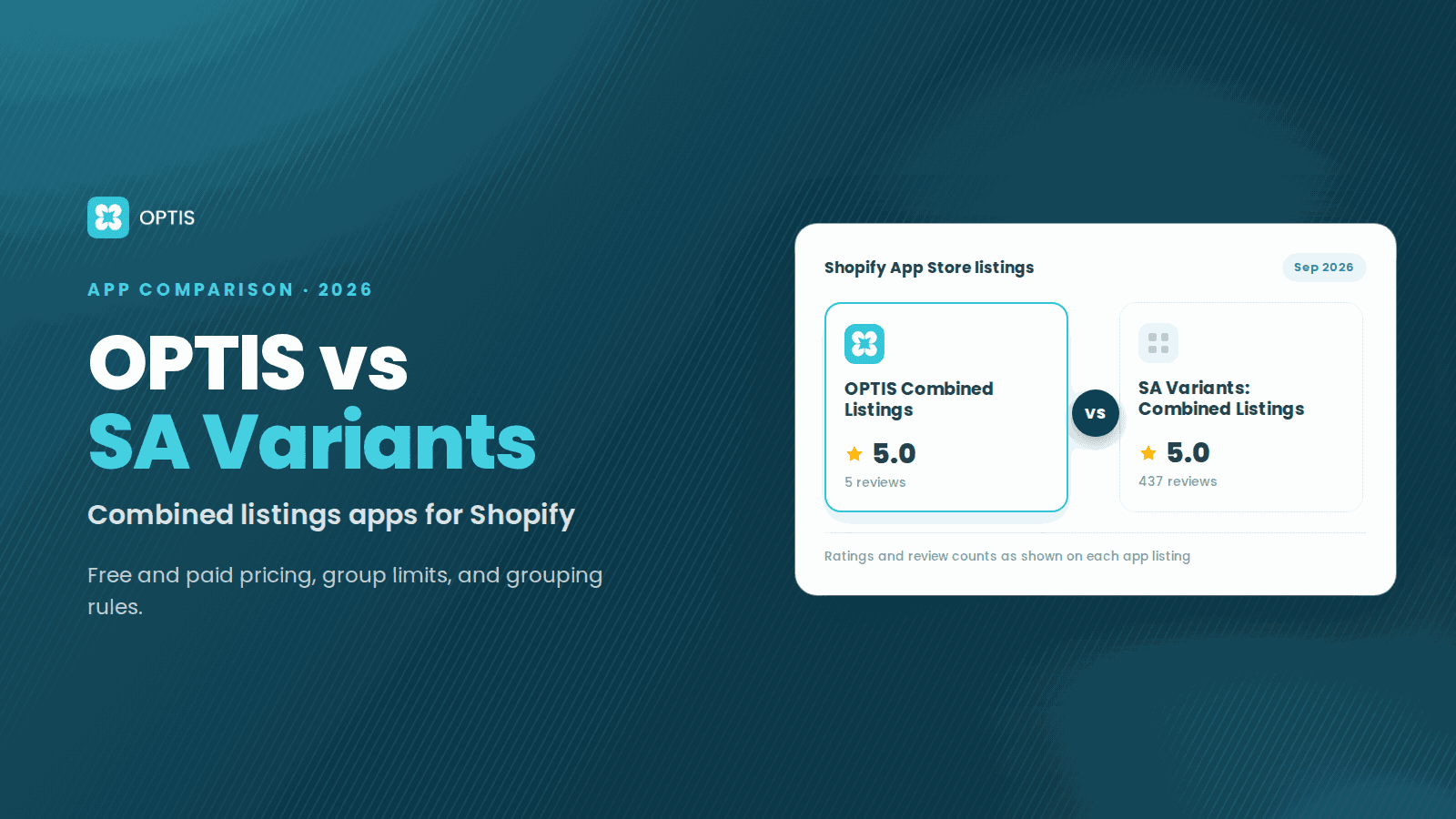
OPTIS Combined Listings vs SA Variants (2026)
OPTIS Combined Listings vs SA Variants for Shopify (2026): free vs paid pricing, group limits, Auto Groups vs AI grouping, and which app fits which store.
7 min read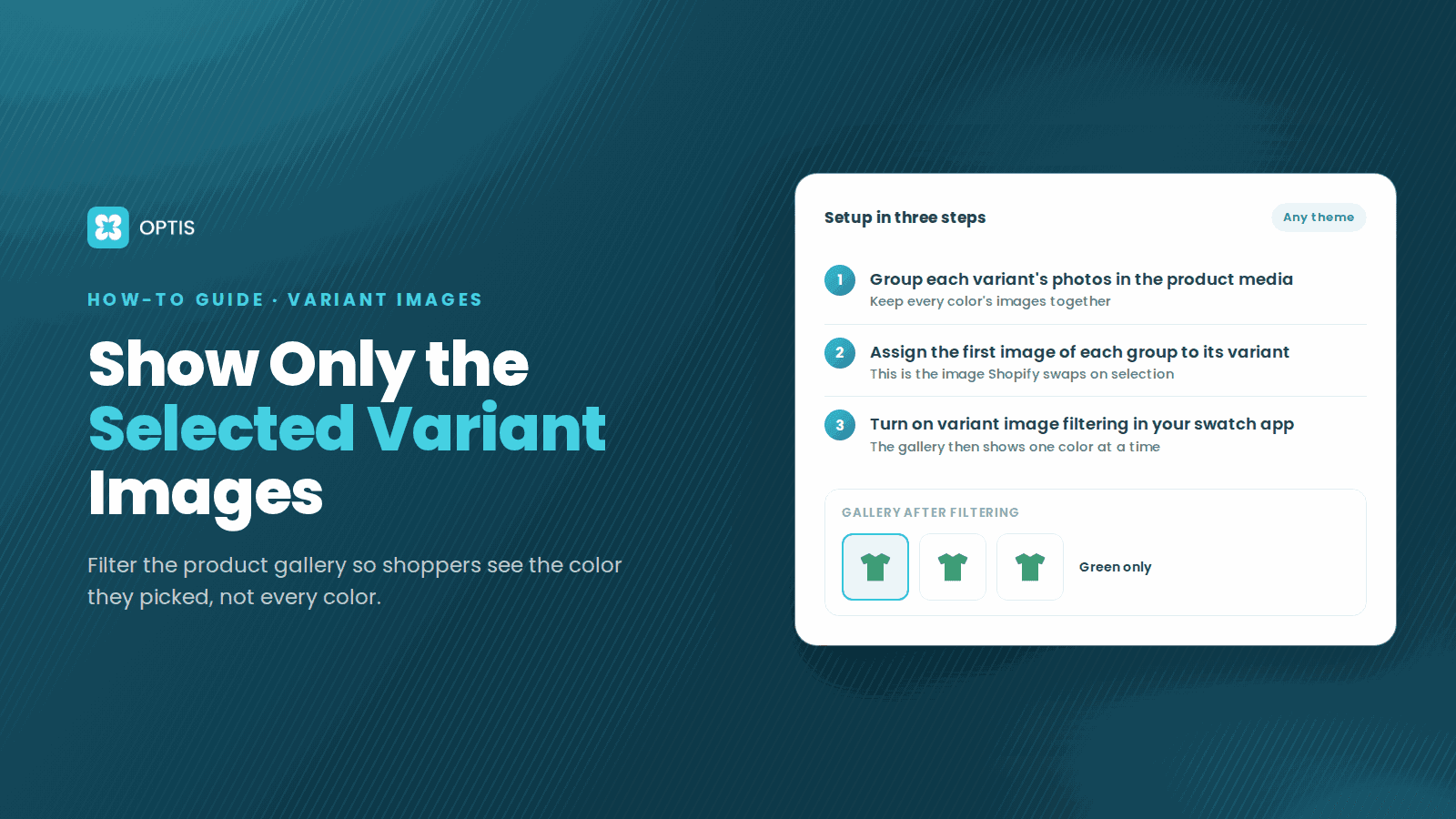
How to Show Only Selected Variant Images on Shopify
Shoppers pick Red but still scroll past blue photos? Learn how Shopify variant images work, what Dawn hides natively, and how to filter the gallery by variant.
8 min read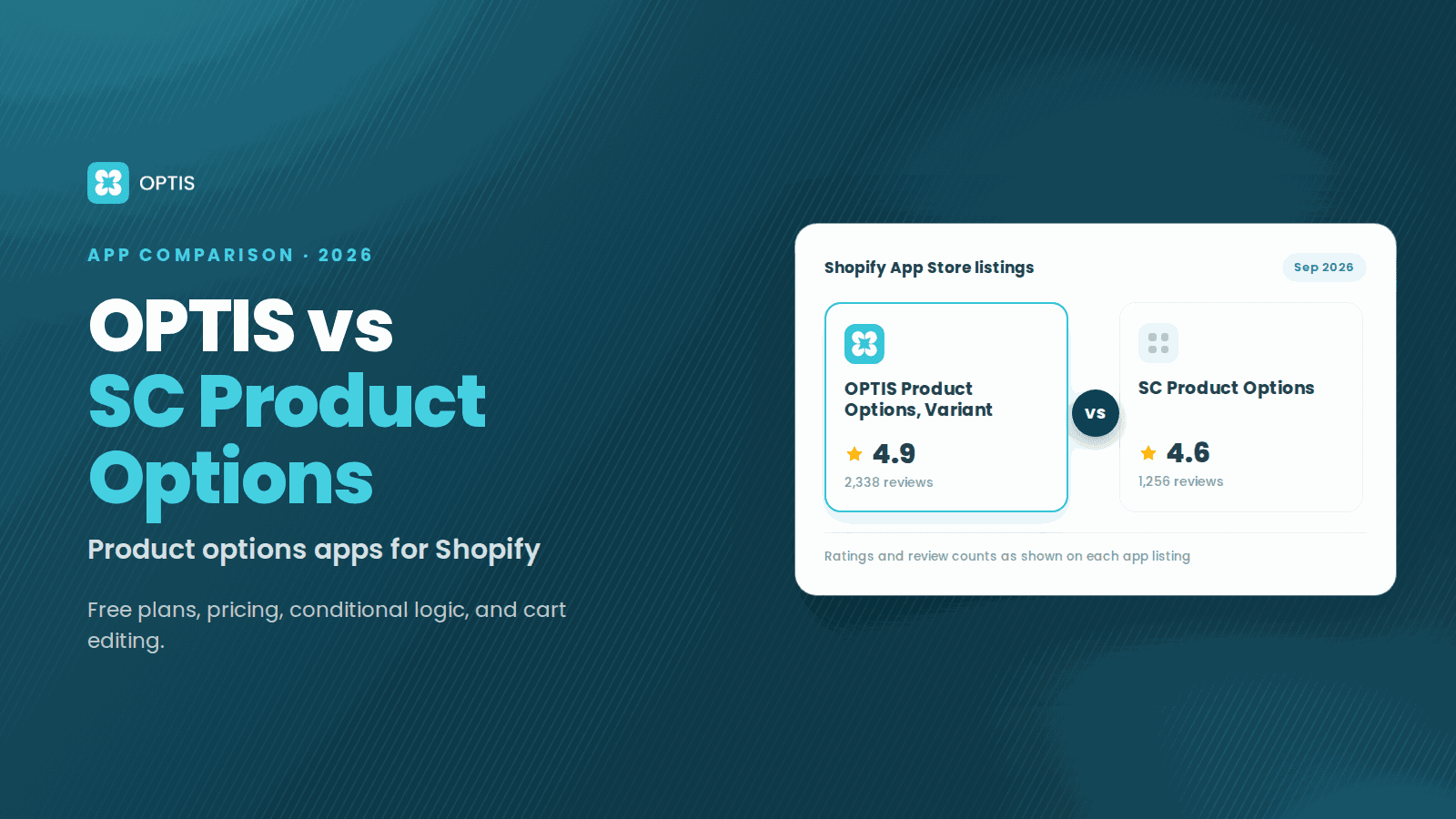
OPTIS vs SC Product Options (2026 Comparison)
OPTIS vs SC Product Options for Shopify (2026): free plans, pricing, conditional logic, cart editing, and which app fits your store, from live listings.
8 min read